The Tesla Model Y is equipped with advanced technology features, including the Park Assist system, designed to make parking easier and safer. This feature is a significant convenience for drivers, especially in tight spaces.
With Park Assist, the vehicle can automatically steer itself into a parking space, allowing drivers to focus on controlling the speed. Enabling this feature can enhance your driving experience and reduce the stress associated with parking.
This article will guide you through the process of enabling Park Assist in your Tesla Model Y, ensuring you can take full advantage of this innovative technology.
Key Takeaways
- Understanding the benefits of using Park Assist in Tesla Model Y.
- Learning the steps to enable Park Assist.
- Enhancing your driving experience with advanced parking technology.
- Reducing parking stress with automatic steering.
- Improving safety while parking in tight spaces.
Understanding Tesla Model Y’s Park Assist Technology
Park Assist in Tesla Model Y utilizes advanced sensors to guide the vehicle during parking maneuvers. This feature is part of Tesla’s broader Autopilot technology suite, designed to enhance safety and convenience.
What is Park Assist and Its Core Functionality
Park Assist is a semi-autonomous parking feature that helps drivers navigate into parking spaces with greater ease and precision. By using a combination of sensors and sophisticated software, Park Assist can detect suitable parking spaces and guide the vehicle into the space.
To enable Park Assist, drivers need to access the Autopilot settings on their Tesla Model Y’s touchscreen, ensuring that the feature is properly configured for optimal performance.
The Ultrasonic Sensors System in Tesla Model Y
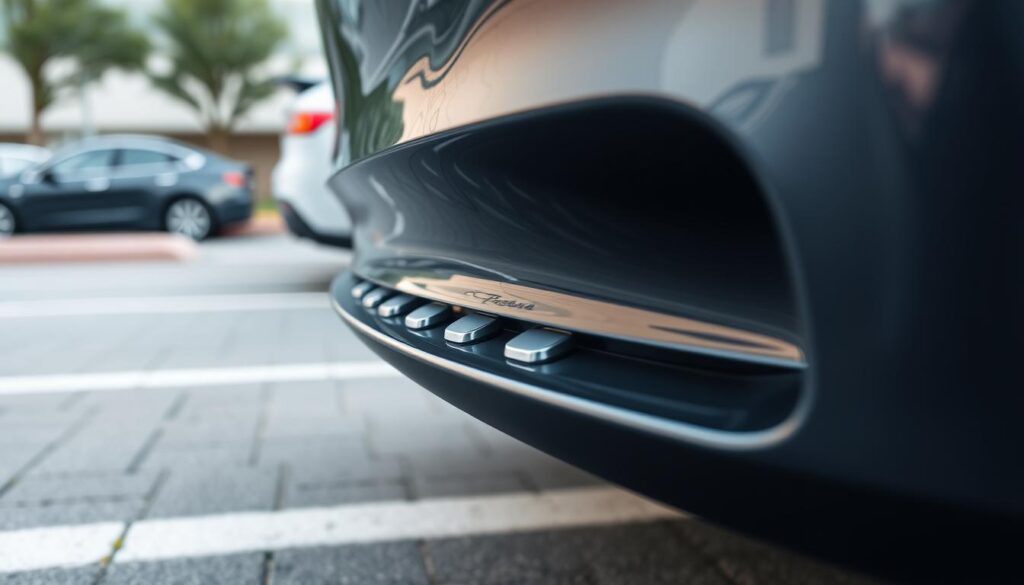
The Tesla Model Y is equipped with a sophisticated ultrasonic sensors system that enables the Park Assist feature. These sensors are strategically placed around the vehicle to detect obstacles and measure the distance to surrounding objects.
Benefits of Using Park Assist for Daily Driving
Using Park Assist for daily driving offers several benefits, including enhanced safety and reduced stress. By automating the parking process, Park Assist minimizes the risk of accidents caused by human error.
For more detailed guidance on using Tesla’s Autopilot features, including Park Assist, you can refer to resources like Effortless Parking with Tesla Autopark: A Detailed.
| Feature | Description | Benefit |
|---|---|---|
| Park Assist | Semi-autonomous parking feature | Enhanced safety and convenience |
| Ultrasonic Sensors | Detects obstacles and measures distance | Precise parking maneuvers |
| Tesla Autopilot Settings | Configuration for Autopilot features | Customizable driving experience |
How to Enable Park Assist in Tesla Model Y
Activating Park Assist on your Tesla Model Y is the first step towards a more convenient and stress-free parking experience. This feature is designed to assist drivers in navigating tight parking spaces, and with the following steps, you can easily enable it.
Accessing the Controls Menu on Your Touchscreen
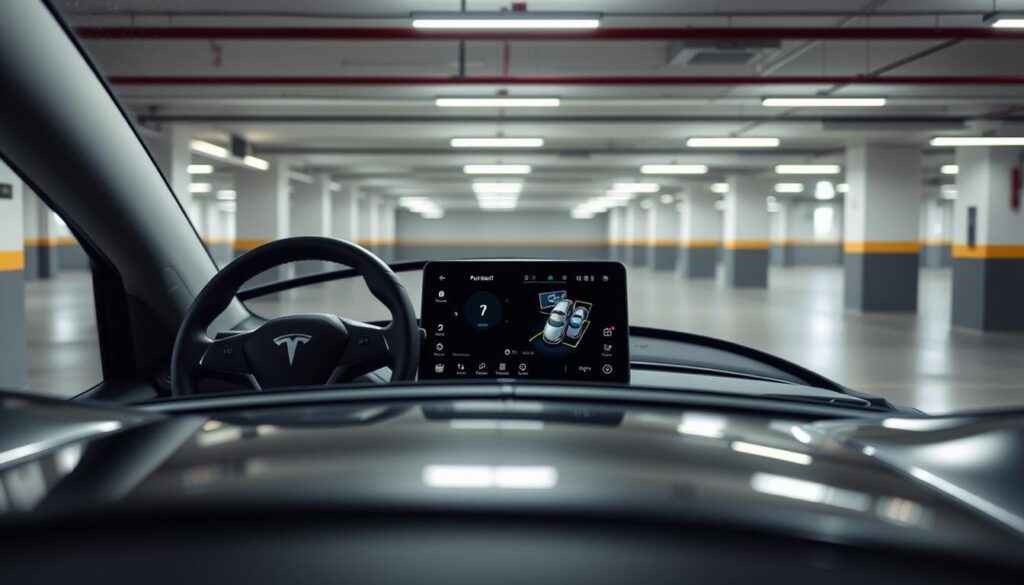
To start, you’ll need to access the Controls menu on your Tesla Model Y’s touchscreen. This is done by tapping on the ‘Controls’ icon, usually found on the main screen. The Controls menu gives you access to various settings, including those for Autopilot and parking assistance features.
Navigating to the Autopilot Settings Section
Once in the Controls menu, navigate to the ‘Autopilot’ settings section. This is where you’ll find the options related to Park Assist. Tesla Model Y’s Autopilot settings are comprehensive, covering various aspects of driver assistance, including parking.
Activating and Configuring Park Assist Options
Within the Autopilot settings, locate the ‘Park Assist’ or ‘Parking Sensors’ option. Here, you can activate Park Assist and configure its settings according to your preferences. You may have options to adjust the sensitivity of the parking sensors or choose how you want to be alerted during parking maneuvers.
Verifying Park Assist is Properly Enabled
After activating Park Assist, it’s crucial to verify that it’s working correctly. You can do this by checking the touchscreen for Park Assist indicators or by testing the feature in a safe, open parking space. This ensures that the system is functioning as expected and ready to assist you in parking.
By following these steps, you can ensure that Park Assist is enabled and ready to use in your Tesla Model Y, enhancing your overall driving experience.
Mastering Park Assist Features in Different Scenarios
To get the most out of your Tesla Model Y’s Park Assist, it’s essential to understand how to use it effectively in various parking scenarios. This feature is designed to make parking easier and more precise, and with practice, you can become proficient in using it.
Using Park Assist for Parallel Parking Maneuvers
Parallel parking can be challenging, but with Park Assist, it becomes much simpler. To use Park Assist for parallel parking, ensure that you are traveling at a slow speed and that the system is enabled in the Autopilot settings. The ultrasonic sensors will detect available parking spaces and guide your vehicle into the space.
Navigating Tight Perpendicular Parking Spaces
Perpendicular parking spaces can be tight, but Park Assist helps you navigate these with ease. The system uses the vehicle’s sensors to detect the parking space and guide the vehicle into it. Keep your hands on the wheel and be prepared to take control if necessary.
Utilizing Park Assist in Crowded Parking Environments
Crowded parking lots can be stressful, but Park Assist makes it easier to find and park in a space. The system will alert you to available spaces and guide you into the parking spot. Be aware of your surroundings and other vehicles as you park.
Understanding the Visual and Audio Feedback System
The Tesla Model Y provides both visual and audio feedback when using Park Assist. The touchscreen will display the parking space and the vehicle’s position relative to it. Audio cues will also alert you to the proximity of other vehicles or obstacles. Understanding these cues is key to mastering Park Assist.
By mastering Park Assist in different scenarios, you can enhance your Tesla Model Y experience and make parking a breeze. Enable Park Assist and adjust the Tesla Autopilot Settings to suit your preferences for a smoother parking experience.
Maintaining and Troubleshooting Park Assist Functionality
To ensure your Tesla Model Y’s Park Assist feature operates smoothly, regular maintenance is crucial. This involves a few key steps to keep the system functioning correctly.
Keeping Sensors Clean and Properly Calibrated
The Park Assist feature relies on ultrasonic sensors to detect and navigate around objects. Keeping these sensors clean is vital for the system’s accuracy. Dirt, snow, or debris on the sensors can lead to incorrect readings or system malfunctions. Regularly inspect and clean the sensors with a soft cloth to maintain optimal performance. Additionally, ensure that the sensors are properly calibrated according to Tesla’s guidelines.
Resolving Common Park Assist Error Messages
Sometimes, you may encounter error messages related to the Park Assist system. Common issues include “Park Assist Unavailable” or “Sensors Blocked.” These messages often result from dirty or obstructed sensors. Check the sensors for any blockages and clean them as needed. If the issue persists, try restarting your vehicle or checking for software updates.
| Error Message | Possible Cause | Solution |
|---|---|---|
| Park Assist Unavailable | Dirty or obstructed sensors | Clean the sensors |
| Sensors Blocked | Debris or snow on sensors | Clear the obstruction |
When to Seek Professional Tesla Service Support
If you continue to experience issues with your Park Assist system after troubleshooting, it may be necessary to seek professional Tesla service support. Persistent problems could indicate a hardware issue or other complex problems that require specialized tools and expertise. Tesla’s service centers can diagnose and repair any faults, ensuring your Park Assist system operates reliably.
By following these maintenance and troubleshooting tips, you can ensure your Tesla Model Y’s Park Assist feature continues to provide safe and convenient parking assistance.
Conclusion: Maximizing Your Tesla Model Y Experience with Park Assist
By understanding how to enable Park Assist in your Tesla Model Y and utilizing its advanced features, you can significantly enhance your driving experience. The Tesla Autopilot Settings provide a comprehensive suite of tools designed to make parking easier and more convenient.
With Park Assist enabled, you can navigate complex parking scenarios with confidence. The ultrasonic sensors system works in tandem with the Autopilot Settings to provide precise guidance, making it easier to park in tight spaces.
To get the most out of Park Assist, it’s essential to keep the sensors clean and properly calibrated. Regular maintenance ensures that the system functions correctly, providing you with a seamless parking experience.
By mastering the Park Assist feature and understanding how to configure the Tesla Autopilot Settings, you can enjoy a more convenient and stress-free driving experience. Enable Park Assist in your Tesla Model Y today and discover the benefits of advanced parking assistance.
FAQ
What is Park Assist in Tesla Model Y?
Park Assist is a feature in Tesla Model Y that uses ultrasonic sensors to aid in parking maneuvers, enhancing safety and convenience.
How do I enable Park Assist in my Tesla Model Y?
To enable Park Assist, access the controls menu on your touchscreen, navigate to the Autopilot settings section, and activate Park Assist.
What are the benefits of using Park Assist for daily driving?
Using Park Assist provides enhanced safety and convenience, particularly in tight or crowded parking spaces.
How do I know if Park Assist is properly enabled?
Verify that Park Assist is enabled by checking the Autopilot settings section on your touchscreen and ensuring that the feature is activated.
What should I do if I encounter error messages related to Park Assist?
Refer to the troubleshooting guide for resolving common Park Assist error messages, and seek professional Tesla service support if necessary.
How do I maintain the Park Assist functionality?
Keep the ultrasonic sensors clean and properly calibrated to ensure the Park Assist feature works effectively.
Can I use Park Assist for parallel parking maneuvers?
Yes, Park Assist can be used for parallel parking, as well as navigating tight perpendicular parking spaces and crowded parking environments.
What kind of feedback system does Tesla Model Y use for Park Assist?
Tesla Model Y uses a visual and audio feedback system to guide the driver during parking maneuvers when using Park Assist.