If you’ve recently disconnected your Honda Accord’s battery or experienced a power loss, you may find yourself staring at a radio display that reads “CODE.” Don’t worry—this is a normal security feature designed to prevent theft. Your Honda Accord radio requires a specific security code to reactivate, and this comprehensive guide will walk you through every step of finding and entering that code correctly.
Why Honda Accord Radios Require Security Codes
Honda implemented the radio security code system as an anti-theft measure. If someone steals your radio or disconnects the battery to bypass the vehicle’s security system, the radio becomes inoperable without the proper code. This significantly reduces the value of stolen radio units and serves as a deterrent to potential thieves.
Common situations that trigger the code requirement include:
- Battery replacement or disconnection
- Jump-starting the vehicle
- Electrical system repairs
- Radio removal for any reason
- Electrical shorts or fuse issues
While this security feature is effective, it can be frustrating when you legitimately need to access your radio. Fortunately, retrieving and entering your Honda Accord radio code is straightforward once you know the proper steps.
How to Find Your Honda Accord Radio Code
There are several methods to locate your radio security code. We’ll cover each option from the simplest to more involved approaches.
Method 1: Check Common Locations in Your Vehicle
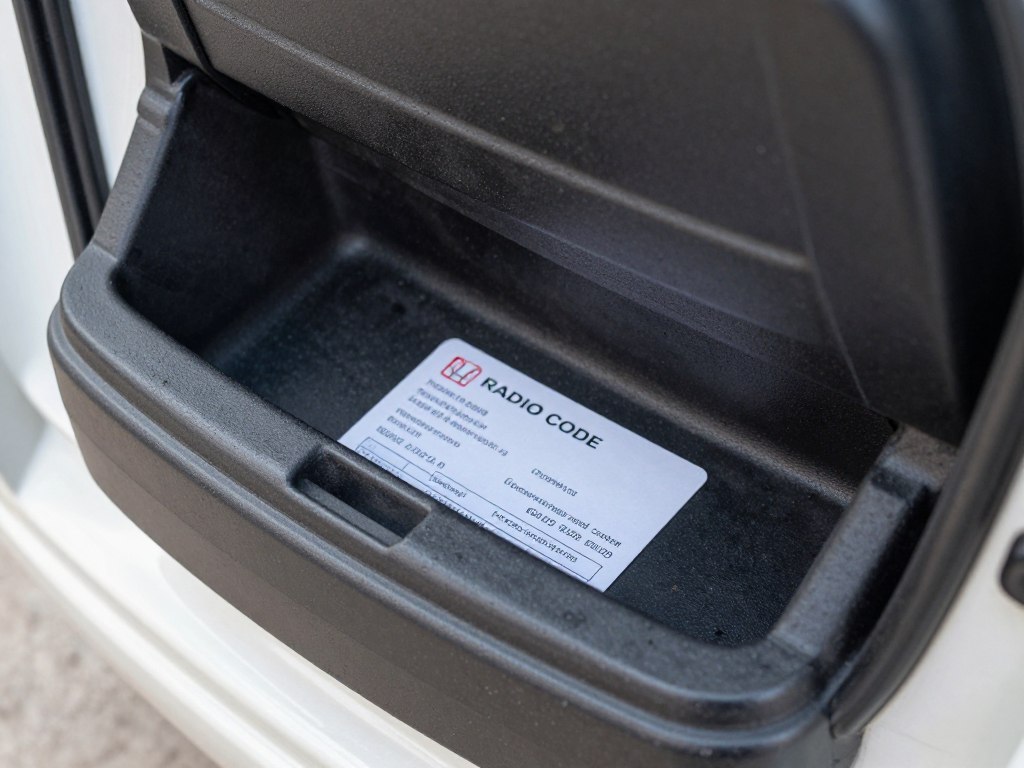
Before trying anything else, check these common locations where Honda typically stores the radio code:
- Glove compartment: Look for a small Anti-Theft Identification Card with both the radio code and serial number
- Owner’s manual packet: Check inside the manual or within the documentation sleeve
- Center console: Some owners store the code card here
- Sun visor or sunglass holder: Occasionally, dealers place a sticker with the code here
- Left side of the dashboard: Some dealers place a sticker with the code information here
Can’t Find Your Radio Code Card?
Don’t worry if you can’t locate the physical card. Honda provides an online tool to retrieve your code using your VIN and radio serial number.
Method 2: Use Honda’s Online Radio Code Retrieval Tool
Honda offers an official online tool to retrieve your radio code. You’ll need two key pieces of information:
- Your Vehicle Identification Number (VIN)
- Your radio’s serial number
Finding Your VIN Number
Your VIN is a 17-character code that can be found in several locations:
- Driver’s side dashboard (visible through the windshield)
- Driver’s side door jamb sticker
- Vehicle registration document
- Insurance card or policy
Retrieving Your Radio Serial Number

This requires a specific button sequence depending on your Honda Accord model year:
For Most Honda Accord Models (2001-2012):
- Make sure your vehicle is on (turn key to ON position)
- Verify the radio is OFF
- Press and hold radio preset buttons 1 and 6 simultaneously
- While holding buttons 1 and 6, press the radio power button
- The display will show two sets of numbers: one starting with “U” and one with “L”
- These eight digits combined form your radio’s serial number
For 2003-2007 Accord with Navigation:
- Turn ignition to ACC position
- Turn on the audio unit (you should see “CODE” displayed)
- Turn off the unit
- Press and hold the tops of both SEEK/SKIP and CH/DISC bars
- While holding these, press and release the PWR/VOL knob
- The serial number will appear on screen
Once you have both your VIN and radio serial number:
- Visit radio-navicode.honda.com
- Enter your VIN and radio serial number in the provided fields
- Complete any additional information requested
- Submit the form to receive your radio code
Important Note: If your serial number displays with letters (like “U” or “L”), do not include these letters when entering the serial number on Honda’s website—use only the numeric digits.
Method 3: Contact a Honda Dealership
If the above methods don’t work, your local Honda dealership can help. You’ll need:
- Proof of vehicle ownership (registration or title)
- Your vehicle’s VIN
- A valid photo ID
- The radio’s serial number (if possible)
Most dealerships provide this service free of charge to Honda owners. Some may be able to retrieve the code with just your VIN if the radio is original to the vehicle.
Need Professional Assistance?
If you’re having trouble retrieving your radio code or entering it correctly, Honda’s service professionals can help.
How to Enter Your Honda Accord Radio Code
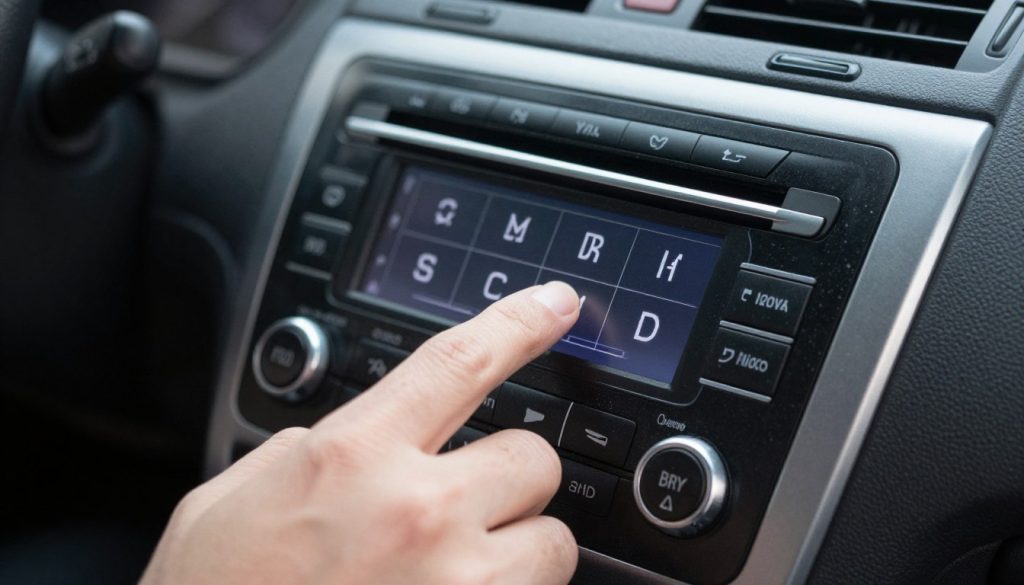
Once you’ve obtained your radio code, follow these steps to enter it correctly:
Standard Honda Accord Radio (Non-Navigation)
- Make sure your vehicle is on (turn key to ON or ACC position)
- Turn on the radio – you should see “CODE” displayed
- Use the radio preset buttons (1-6) to enter each digit of your code
- For example, if your code is 12345, press preset button 1, then 2, then 3, then 4, then 5
- After entering the correct code, the radio should automatically begin functioning
Honda Accord with Navigation System

- Turn the ignition to ON or ACC position
- If the screen shows “ENTER CODE,” use the appropriate buttons to input each digit
- On some navigation systems, you’ll use the touch screen number pad
- On others, you may need to use the physical buttons around the screen
- After entering all digits, select “Done” or press “Enter” if prompted
Warning: You have a limited number of attempts to enter the correct code. After several incorrect attempts (usually 10), the system will lock completely. If this happens, you’ll need to leave the radio on with the vehicle running for up to an hour before trying again.
Troubleshooting Common Honda Radio Code Issues
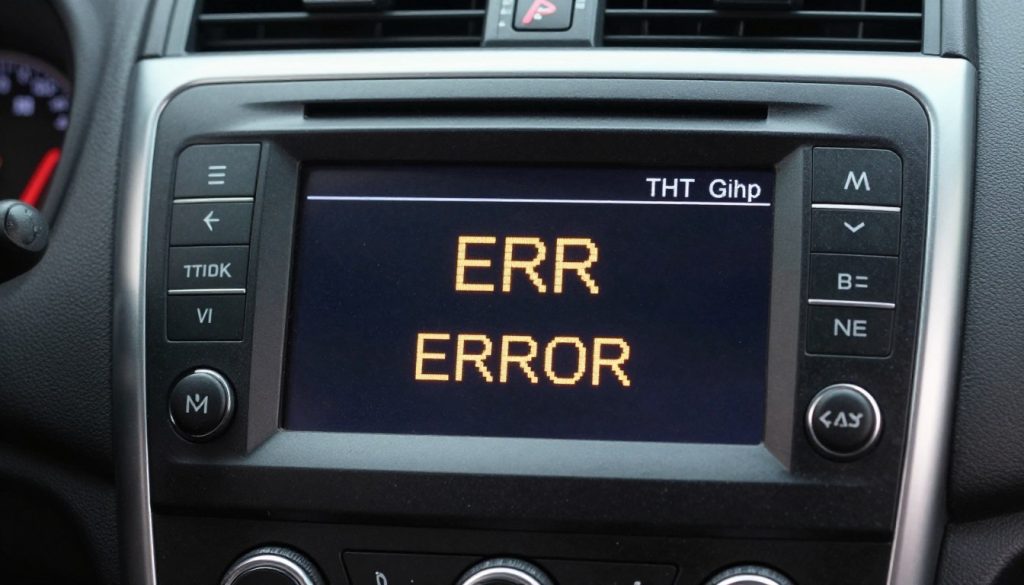
Error Messages and Solutions
CODE ERROR or ERR Message
- Double-check your code for accuracy
- Ensure you’re using the correct entry method for your specific radio model
- Wait a few minutes before trying again
- After multiple errors, the system may require you to wait with the radio on
Radio Remains Locked After Correct Code
- Verify the radio is original to the vehicle
- Check if the radio has been replaced (might need a different code)
- Ensure the battery is fully charged
- Try disconnecting the battery for 10 minutes, then reconnect and try again
Can’t Retrieve Serial Number
If you’re unable to get your radio to display the serial number using the button combinations:
- Try an alternative button sequence (some models vary slightly)
- Check if your radio has a sticker with the serial number (may require partial removal)
- For older models (pre-2001), the serial number may be on the back of the radio unit
- Some LX models don’t have security codes – check your owner’s manual
Did you know? Some Honda Accord models from 2013-2014 (particularly Odyssey and Pilot) don’t require radio codes. If you have one of these models and see a code request, your system may need service.
Maximum Attempts Reached
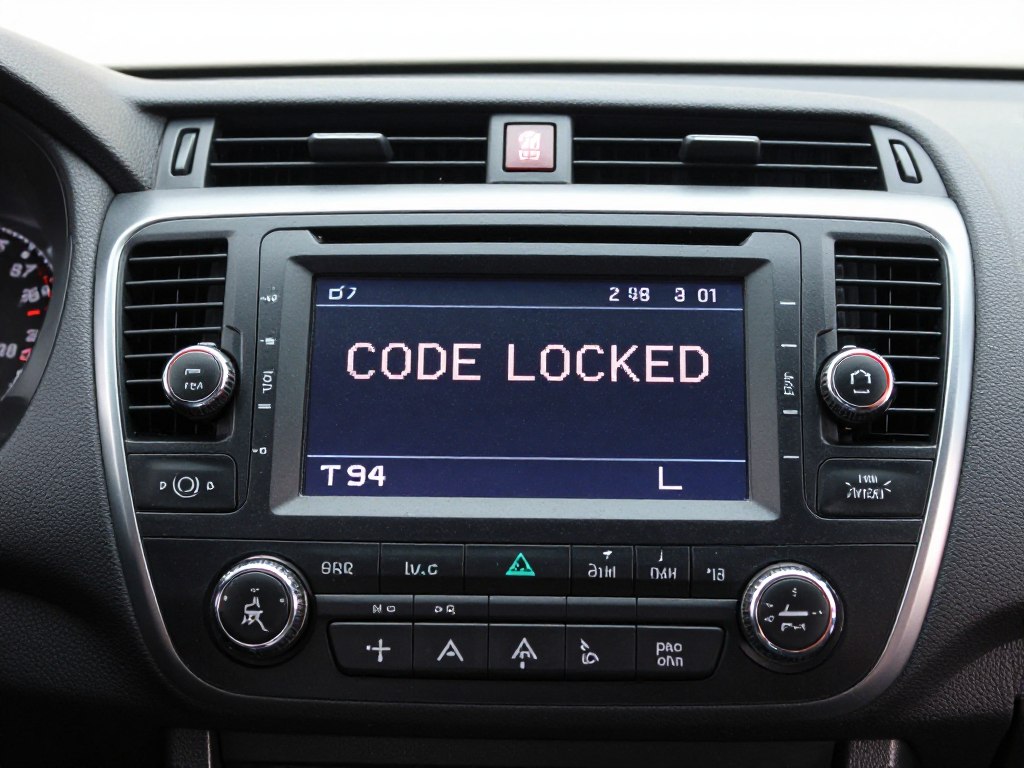
If you’ve entered the wrong code too many times:
- Leave the radio and vehicle turned on for at least 1 hour
- The radio should reset and allow you to try entering the code again
- If this doesn’t work, you may need to disconnect the battery for 30+ minutes
- As a last resort, visit a Honda dealership for assistance
Best Practices for Storing Your Honda Radio Code
To avoid future frustration, store your radio code in multiple secure locations:
- Write it in your owner’s manual (in pencil, in case the manual transfers to a new owner)
- Take a photo of the code card and store it on your phone
- Add it to a password manager or secure note app
- Store a copy in your home with other important vehicle documents
- Consider creating a small label inside your glove compartment
Save Your Code for Future Reference
Now that you’ve successfully retrieved your Honda Accord radio code, make sure to store it securely to avoid repeating this process.
Final Thoughts on Honda Accord Radio Codes
While the Honda Accord radio security system can be frustrating when you’re locked out, it serves an important purpose in protecting your vehicle from theft. By following the steps in this guide, you should be able to retrieve and enter your radio code with minimal hassle.
Remember that most Honda dealerships are happy to assist owners with radio code retrieval, especially if you can provide proof of ownership. And once you’ve found your code, be sure to store it somewhere safe for future reference.
With your radio code successfully entered, you can get back to enjoying your favorite music, podcasts, and radio stations as you drive your Honda Accord.
Frequently Asked Questions
Do all Honda Accord models require a radio code?
Not all models require codes. Generally, LX trims and some 2013-2014 models don’t have this security feature. Check your owner’s manual to confirm if your specific model requires a code.
Will I need to enter the code again in the future?
Yes, anytime your battery is disconnected or dies completely, you’ll need to enter the code again. This is why storing your code in a safe place is important.
What if I bought my Honda used and have no documentation?
You can still retrieve the code by finding the radio serial number and using Honda’s online tool, or by visiting a Honda dealership with proof of ownership.
Can I get the radio code without the serial number?
In some cases, a Honda dealership can retrieve the code with just your VIN if the radio is original to the vehicle. However, having the serial number is the most reliable method.