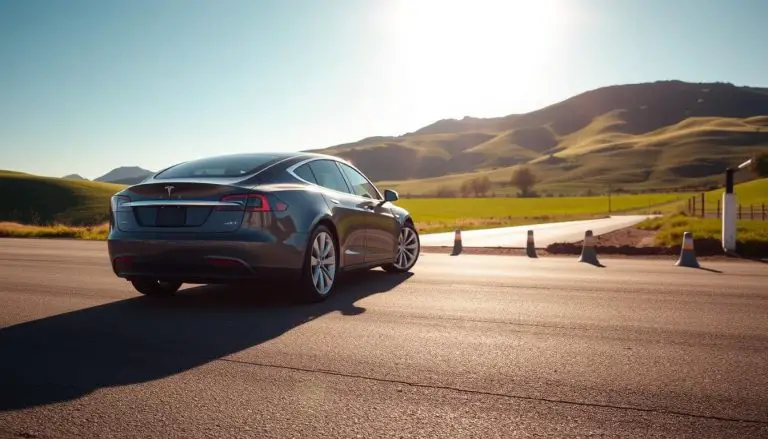
Using Tesla cruise control can significantly enhance your driving experience, especially on long road trips. This feature allows you to maintain a consistent speed, reducing driver fatigue and improving overall safety.
For Tesla owners, particularly those with the Tesla Model 3, understanding how to activate cruise control can be incredibly beneficial. In this guide, we will walk you through the process, ensuring you can enjoy a more relaxed driving experience.
Key Takeaways
- Understand the benefits of using Tesla cruise control.
- Learn the step-by-step process to activate cruise control in your Tesla.
- Discover how cruise control can enhance your driving experience.
- Explore tips for using cruise control effectively in your Tesla Model 3.
- Improve your overall driving comfort and safety with Tesla’s advanced features.
Understanding Tesla’s Cruise Control Systems
Tesla’s cruise control systems offer a blend of convenience and technological advancement, enhancing the driving experience. These systems are designed to provide drivers with more comfort and control on the road.

Basic Cruise Control vs. Traffic-Aware Cruise Control
Tesla’s cruise control comes in two primary forms: Basic Cruise Control and Traffic-Aware Cruise Control. Basic Cruise Control maintains a set speed, while Traffic-Aware Cruise Control adjusts speed based on traffic conditions. The latter is particularly useful in heavy traffic or during long highway drives, as it can slow down or speed up the vehicle in response to the surrounding traffic.
- Basic Cruise Control: Ideal for steady highway driving.
- Traffic-Aware Cruise Control: Adapts to changing traffic conditions.
Autopilot vs. Cruise Control: Key Differences
While both Autopilot and Cruise Control are advanced driver-assistance systems, they serve different purposes. Autopilot is a more comprehensive system that includes features like lane-keeping and automatic lane changes, in addition to cruise control. For more information on activating advanced features like Full Self-Driving Capability, you can visit this guide.
The key differences between Autopilot and Cruise Control include:
- Autopilot: Includes lane-keeping and automatic lane changes.
- Cruise Control: Focuses on maintaining or adjusting speed.
Benefits of Using Cruise Control in Your Tesla
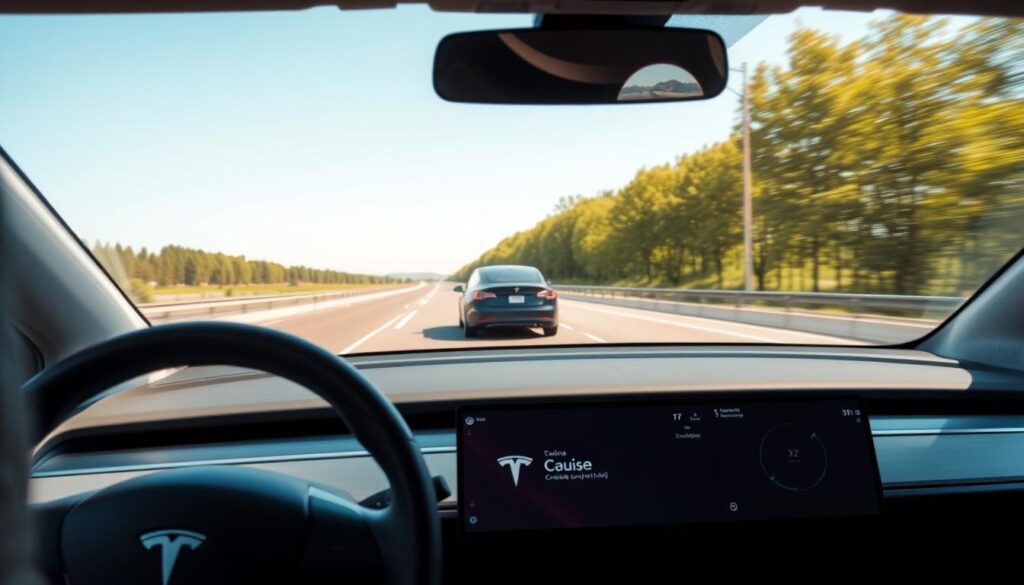
Using cruise control in your Tesla can lead to improved driving efficiency and comfort. This feature is particularly useful for long road trips, allowing drivers to relax and enjoy the journey without the constant need to adjust their speed.
Improved Driving Efficiency and Range
Tesla’s cruise control system is designed to optimize driving efficiency, especially on highways. By maintaining a consistent speed, the vehicle can achieve better energy consumption, potentially increasing its range. This is particularly beneficial for long journeys where maximizing range is crucial.
| Feature | Benefit | Impact on Driving |
|---|---|---|
| Cruise Control | Consistent Speed | Improved Efficiency |
| Traffic-Aware Cruise Control | Adjusts to Traffic | Enhanced Safety |
| Autopilot Integration | Semi-Autonomous Driving | Reduced Driver Fatigue |
Enhanced Comfort on Long Journeys
For Tesla owners, cruise control significantly enhances comfort during Tesla long journeys. By reducing the need for constant acceleration adjustments, drivers can enjoy a more relaxed driving experience. This feature is especially valuable on long highway drives, where it can help mitigate driver fatigue.
Prerequisites Before Activating Cruise Control
To use cruise control effectively in your Tesla, it’s crucial to understand the prerequisites and ideal driving conditions. Ensuring your vehicle is properly set up and that you’re driving in suitable conditions will enhance your overall experience.
Ensuring Your Tesla is Ready for Cruise Control
Before activating cruise control, make sure your Tesla is up-to-date with the latest software. This ensures that all safety features and cruise control functionalities are working correctly. Additionally, check that your vehicle’s sensors and cameras are clean and unobstructed, as these are crucial for the proper operation of cruise control and Autopilot features.
Key checks include:
- Ensuring the windshield and cameras are clean
- Checking for any software updates
- Verifying that the vehicle’s tires are properly inflated
Ideal Driving Conditions for Cruise Control
Understanding the ideal driving conditions for cruise control is vital for a safe and enjoyable experience. Tesla’s cruise control is designed to work best on highways and long, straight roads with clear markings. Avoid using cruise control in heavy rain, snow, or fog, as these conditions can impair the system’s ability to detect the road and surrounding environment.
Furthermore, be aware of the road conditions and traffic around you. Cruise control is not a substitute for attentive driving, and you should always be prepared to take control of the vehicle if necessary.
How to Turn On Cruise Control in Tesla: Step-by-Step Guide
To activate cruise control in your Tesla, follow these simple steps for a more relaxed driving experience. The process is slightly different depending on the model of your Tesla, but the overall procedure is straightforward.
Model 3 and Model Y Instructions
For Tesla Model 3 and Model Y owners, activating cruise control involves a few easy steps:
- Ensure your vehicle is in motion and in Drive (D) gear.
- Press the stalk towards you once to activate the cruise control system.
- Use the scroll wheel on the steering wheel to set your desired speed.
Confirming that cruise control is active is as simple as checking the dashboard display, which will show the set speed.
Model S and Model X Instructions
Tesla Model S and Model X have a similar process for activating cruise control:
- Make sure your Tesla is moving and in Drive (D).
- Pull the cruise control stalk towards you to enable it.
- Adjust your speed using the scroll wheel on the steering yoke or wheel.
The Autopilot system in Model S and Model X works in conjunction with cruise control to provide a more seamless driving experience.
Confirming Cruise Control is Active
Once you’ve activated cruise control, your Tesla’s dashboard will display the set speed, indicating that the system is active. You can also check the vehicle’s settings on the touchscreen to confirm.
By following these steps, you can enjoy a more comfortable drive with your Tesla’s cruise control feature.
Adjusting Your Speed and Following Distance
With cruise control enabled, Tesla drivers can fine-tune their speed and following distance for a more comfortable driving experience. Adjusting these settings is straightforward and can be done using the controls on the steering wheel.
Increasing or Decreasing Set Speed
To adjust the set speed, you can use the scroll wheel on the steering wheel. Rolling the wheel up increases the speed, while rolling it down decreases the speed. You can also use the + and – buttons on the steering wheel to make more precise adjustments.
Modifying Following Distance
Modifying the following distance in your Tesla is simple. You can adjust it by using the scroll wheel to select your preferred distance setting. The available settings are typically displayed on the vehicle’s screen, allowing you to choose from various levels of distance.
| Following Distance Setting | Description |
|---|---|
| Minimum | The vehicle maintains the minimum allowed distance from the car ahead. |
| Medium | A moderate distance is maintained, suitable for most driving conditions. |
| Maximum | The vehicle keeps the maximum allowed distance, providing extra space. |
Using the Scroll Wheel for Adjustments
The scroll wheel on your Tesla’s steering wheel is a versatile control that allows you to adjust both the set speed and the following distance. By rolling the wheel or pressing it, you can easily switch between different settings. For instance, a short press can activate or deactivate the cruise control, while rolling it adjusts the speed or following distance.
By mastering these adjustments, Tesla owners can enjoy a more tailored and comfortable driving experience, leveraging the full potential of their vehicle’s cruise control system.
Safety Considerations and Disengaging Cruise Control
Understanding the safety considerations of Tesla’s cruise control is essential for a safe driving experience. While cruise control can enhance your driving comfort and efficiency, it’s crucial to be aware of its limitations and how to manage it safely.
Manual Disengagement Methods
To manually disengage cruise control in your Tesla, you can either press the brake pedal or use the controls on the steering wheel. For most models, including Model 3 and Model Y, pressing the brake pedal will immediately disengage cruise control. Alternatively, you can use the cruise control stalk or the controls on the steering wheel to deactivate it.
Automatic Disengagement Scenarios
Tesla’s cruise control is designed to automatically disengage in certain scenarios to ensure safety. These include when the system detects that you’re not paying attention to the road, when the vehicle is approaching a sharp turn, or when the sensors detect an obstacle or another vehicle in close proximity. Understanding these scenarios can help you use cruise control more effectively.
Important Safety Warnings
It’s vital to remain attentive and keep your hands on the wheel even when cruise control is active. Tesla’s system is designed to assist, not replace, the driver. Failure to monitor the road and be prepared to take control can lead to accidents. Always be aware of your surroundings and the road conditions.
| Safety Feature | Description | Action Required |
|---|---|---|
| Manual Disengagement | Disengage cruise control manually | Press brake pedal or use steering wheel controls |
| Automatic Disengagement | System disengages automatically | None, system manages it |
| Driver Attention | Remain attentive while using cruise control | Keep hands on wheel, monitor road |
Conclusion
By following this Tesla cruise control guide, you’ve learned how to harness the power of advanced driver-assistance systems in your Tesla. From understanding the different types of cruise control to adjusting your speed and following distance, you’re now equipped to use these features effectively.
Using Tesla Autopilot safely requires attention to the road and adherence to safety guidelines. Remember to stay alert and keep your hands on the wheel, even when cruise control is active. This ensures a safe and enjoyable driving experience.
As you continue to explore the capabilities of your Tesla, keep in mind the importance of safe driving practices. By combining the convenience of cruise control with responsible driving habits, you can enjoy a smoother, more efficient journey.
FAQ
How do I know if my Tesla’s cruise control is active?
You can confirm that cruise control is active by checking the instrument cluster or touchscreen display, which will indicate the set speed and display a cruise control icon.
Can I use cruise control in heavy traffic?
Tesla’s Traffic-Aware Cruise Control is designed to handle heavy traffic, but it’s essential to remain attentive and be prepared to take control of the vehicle if necessary.
How do I adjust the following distance in my Tesla?
You can adjust the following distance using the scroll wheel on the steering stalk, allowing you to customize the distance to suit your driving preferences.
What is the difference between Autopilot and cruise control?
Autopilot is a more advanced driver-assistance system that includes features like lane-keeping and automatic steering, while cruise control is a more basic feature that maintains a set speed.
Can I use cruise control on roads with complex curves or intersections?
It’s generally recommended to avoid using cruise control on roads with complex curves or intersections, as the system may not be able to navigate these situations effectively.
How do I disengage cruise control in my Tesla?
You can manually disengage cruise control by pressing the brake pedal, tapping the steering stalk, or using the touchscreen display to cancel the feature.
Will cruise control work in all weather conditions?
Cruise control can be used in various weather conditions, but it’s essential to exercise caution and be prepared to take control of the vehicle in adverse weather, such as heavy rain or snow.
Can I customize the speed limit for cruise control?
Yes, you can adjust the set speed using the scroll wheel on the steering stalk, allowing you to customize the speed to suit your driving needs.