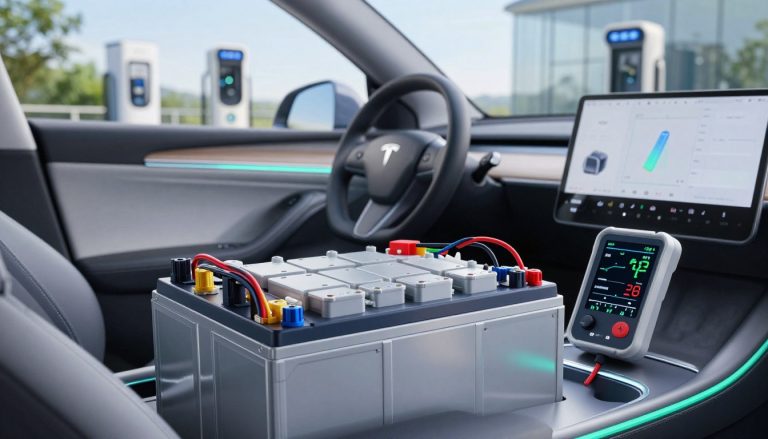
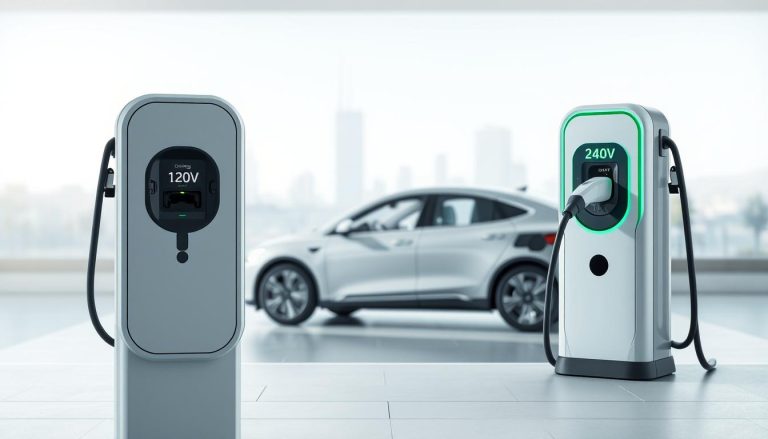
EV ownership brings many benefits, but finding your connector stuck is a common frustration. This situation often happens when the vehicle software fails releasing the latch after a session ends. Understanding the basics of electric vehicle charging helps drivers stay calm when things go wrong at the station.
Many drivers face this issue when the communication between the car and the pedestal fails. Proper troubleshooting can save you from calling a tow truck or damaging your equipment. Staying ready is vital for daily drivers using these systems.
This guide explores why a charge cable locked notification appears and gives helpful tips for common EV models. We will walk through manual release methods and digital resets getting you back on the road quickly. Navigating the world of modern transit requires learning new skills, and managing a stubborn plug is simply part of that journey.
Key Takeaways
- Identify software communication failures between vehicles and stations.
- Locate manual release cords found within the trunk or hood areas.
- Perform vehicle system reboots for clearing digital glitches.
- Verify session termination status via official mobile applications.
- Handle physical obstructions found inside the port housing.
- Prevent latching issues through routine maintenance and cleaning.
Understanding the “Charge Cable Locked” Error
Understanding the “Charge Cable Locked” error is crucial for electric vehicle owners who rely on seamless charging experiences. This error message indicates that the charging cable is stuck or locked to the vehicle’s charge port, preventing it from being disconnected.
What This Error Message Means
The “Charge Cable Locked” error typically signifies a problem with the vehicle’s charging system or a communication breakdown between the vehicle and the charging station. This issue can stem from various factors, including software glitches, mechanical malfunctions, or issues with the charging infrastructure.
When this error occurs, it can be inconvenient and disrupt the vehicle’s charging schedule. It’s essential to understand the root cause to resolve the issue effectively.
Which Electric Vehicles Experience This Issue
Several electric vehicle models are known to experience the “Charge Cable Locked” error. Some of the most common models affected include:
- Tesla Model 3 and Model Y
- Chevrolet Bolt EV and EUV
- Ford Mustang Mach-E
- Nissan Leaf
Tesla Model 3 and Model Y
Tesla’s Model 3 and Model Y are among the most popular electric vehicles worldwide. These models have been reported to experience the “Charge Cable Locked” error, often due to software issues or problems with the charge port lock mechanism.
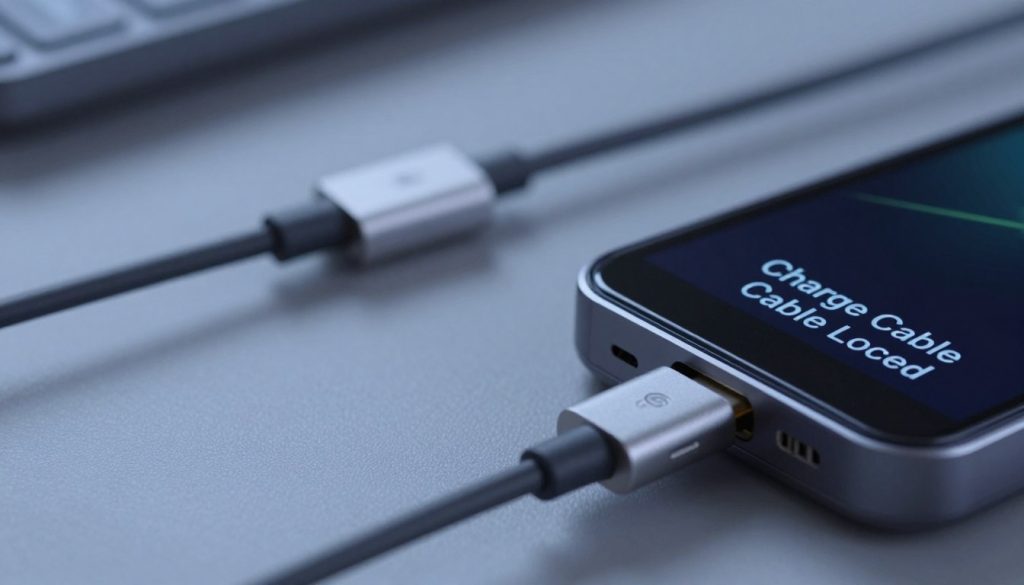
The Chevrolet Bolt EV and EUV have also been known to encounter this issue. Owners have reported instances where the charge cable remains locked due to communication errors between the vehicle and the charging station.
Ford Mustang Mach-E
Ford’s Mustang Mach-E, a highly anticipated electric SUV, has experienced the “Charge Cable Locked” error in some instances. This is often attributed to software glitches or issues with the vehicle’s charging system.
Nissan Leaf
The Nissan Leaf, one of the pioneering electric vehicles, has also been reported to have this issue. The problem is usually related to the charge port lock or communication issues with the charging infrastructure.
Common Causes of Charge Cable Lock Issues
Several factors can trigger the “Charge Cable Locked” error, making it essential to identify the root cause. Understanding these causes can help electric vehicle (EV) owners troubleshoot and potentially fix the issue without seeking professional help.
Software Glitches and Communication Errors
Software glitches are a common culprit behind many modern EV issues, including the “Charge Cable Locked” error. Communication errors between the vehicle’s charging system and the charging station can lead to this problem. These glitches can occur due to outdated software or bugs in the current version.
Regular software updates can often resolve or prevent such issues. Ensuring that your vehicle’s software is up-to-date is a crucial maintenance task.
Mechanical Lock Malfunction
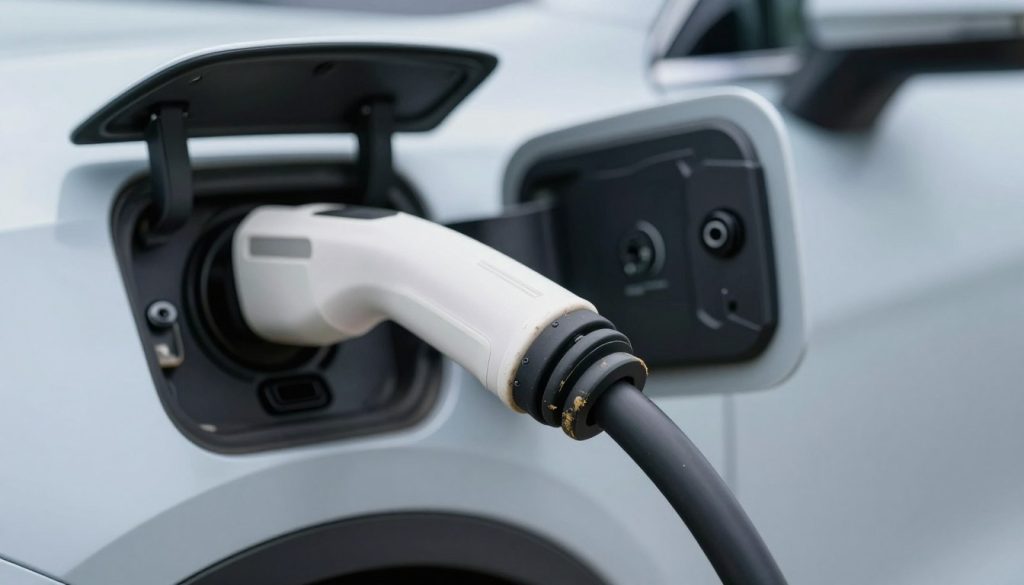
The mechanical lock is designed to secure the charge cable in place during charging. However, if this lock malfunctions, it can fail to release the cable, resulting in a “Charge Cable Locked” error. Wear and tear or manufacturing defects can cause mechanical lock malfunctions.
Inspecting the charge port and the lock mechanism for any signs of damage or debris can help identify if a mechanical issue is the cause.
Extreme Temperature Effects
Extreme temperatures, either hot or cold, can affect the functioning of the charge cable lock. Thermal expansion or contraction of the lock’s components can cause it to jam or fail to release the cable.
Parking your vehicle in shaded areas or using a sunshade can help mitigate the effects of extreme heat. Similarly, in cold conditions, allowing the vehicle to warm up before charging can be beneficial.
Low 12-Volt Battery Voltage
A low 12-volt battery voltage can impact various systems in your EV, including the charging system. If the voltage is too low, it may not be sufficient to operate the charge cable lock properly, leading to a “Charge Cable Locked” error.
Checking the condition and charge level of the 12-volt battery is an essential step in troubleshooting this issue.
How to Fix “Charge Cable Locked” Error?
Resolving the ‘Charge Cable Locked’ error is a straightforward process that can be accomplished by following a series of simple steps.
Step 1: Unlock Your Vehicle Using the Key Fob
Unlocking your vehicle using the key fob is often the simplest way to resolve the ‘Charge Cable Locked’ issue. This action can reset the charge port lock mechanism.
Step 2: Use the Touchscreen Release Function
Many electric vehicles come equipped with a touchscreen release function that allows you to unlock the charge cable.
Tesla Model 3 and Model Y Procedure
For Tesla Model 3 and Model Y owners, navigate to the ‘Controls’ menu on the touchscreen, select ‘Charging’, and then choose ‘Unlock Charge Port’.
Ford Mustang Mach-E Procedure
Ford Mustang Mach-E owners can unlock the charge port by accessing the ‘Charging’ section on the vehicle’s infotainment system and selecting the ‘Release Charge Port’ option.
Chevrolet Bolt EV Procedure
Chevrolet Bolt EV owners should go to the ‘Charging’ menu on the infotainment system and look for the ‘Unlock Charge Port’ or similar option to release the charge cable.
Step 3: Try the Mobile App Release Feature
Many EV manufacturers offer mobile apps that allow you to control various aspects of your vehicle, including releasing the charge port lock.
Step 4: Perform a Vehicle Soft Reset
A soft reset can sometimes resolve communication errors between the vehicle’s systems and the charge port lock.
Step 5: Manually Release the Charge Port Lock
As a last resort, some vehicles allow for a manual release of the charge port lock. Consult your vehicle’s manual for specific instructions.
| EV Model | Touchscreen Release Procedure | Mobile App Release |
|---|---|---|
| Tesla Model 3/Model Y | Controls > Charging > Unlock Charge Port | Available |
| Ford Mustang Mach-E | Charging > Release Charge Port | Available |
| Chevrolet Bolt EV | Charging > Unlock Charge Port | Available |
Advanced Troubleshooting Methods
When basic troubleshooting steps fail to resolve the ‘Charge Cable Locked’ error, it’s time to explore advanced troubleshooting methods. These techniques are designed to diagnose and potentially fix more complex issues that may be causing the problem.
Power Cycling Your Electric Vehicle
Power cycling, or restarting, your electric vehicle can sometimes resolve the ‘Charge Cable Locked’ error by resetting the vehicle’s computer system. To do this, turn off the vehicle, exit and lock it, and wait for a few minutes before restarting it.
Inspect the Charge Port for Debris or Damage
Debris or damage to the charge port can cause the ‘Charge Cable Locked’ error. Inspect the charge port carefully for any signs of damage or obstruction. If you find any debris, clean it out gently with compressed air or a soft brush.
Test with a Different Charging Cable or Station
Sometimes, the issue may not be with the vehicle but with the charging cable or station. Try using a different charging cable or charging at a different station to see if the problem persists.
Check and Replace the 12-Volt Battery
A low or failing 12-volt battery can cause various issues, including the ‘Charge Cable Locked’ error. Check the voltage of your 12-volt battery and consider replacing it if it’s low or old.
| Battery Voltage | Status | Action |
|---|---|---|
| 12.4V or higher | Good | No action needed |
| 12.0V – 12.3V | Low | Charge or replace |
| Below 12.0V | Critical | Replace |
Update Vehicle Software and Firmware
Outdated software or firmware can cause compatibility issues that result in the ‘Charge Cable Locked’ error. Check with your vehicle’s manufacturer for any available updates and follow their instructions to update your vehicle’s software and firmware.
When to Contact Professional Service
If none of the above advanced troubleshooting methods resolve the ‘Charge Cable Locked’ error, it’s likely that there’s a more serious issue that requires professional attention. Contact your vehicle’s manufacturer or a certified electric vehicle technician for further assistance.
Preventing Future Charge Cable Lock Errors
Preventing future “Charge Cable Locked” errors requires a combination of regular maintenance and proper usage habits. By understanding the causes of this issue and taking proactive steps, electric vehicle owners can minimize the occurrence of this frustrating problem.
Regular Charge Port Maintenance
Regular maintenance of the charge port is crucial in preventing lock errors. Dirt, debris, and corrosion can interfere with the charge port’s locking mechanism, leading to errors. Cleaning the charge port gently with a soft brush or cloth can help prevent such issues. It’s also advisable to inspect the charge port regularly for any signs of wear or damage.
Proper Charging and Disconnection Habits
Developing proper charging and disconnection habits is vital. Always ensure that the vehicle is properly aligned with the charging station, and the charging cable is securely connected. When disconnecting, follow the recommended procedure to avoid putting unnecessary strain on the lock mechanism.
Temperature and Weather Considerations
Extreme temperatures can affect the charge port’s locking mechanism. In very cold temperatures, the metal can contract, potentially causing the lock to jam. Conversely, high temperatures can cause expansion, which may also lead to locking issues. Being aware of these factors and taking appropriate measures, such as parking in shaded areas during hot weather, can help mitigate these risks.
Keep Vehicle Software Updated
Keeping the vehicle’s software up to date is essential for preventing charge cable lock errors. Manufacturers often release updates that improve the performance and reliability of the charging system. Regularly checking for and installing software updates can help ensure that the vehicle’s charging system operates smoothly.
| Preventive Measure | Description | Benefit |
|---|---|---|
| Regular Charge Port Maintenance | Cleaning and inspecting the charge port | Reduces risk of lock errors due to dirt or damage |
| Proper Charging Habits | Aligning vehicle correctly and securing the charging cable | Prevents strain on the lock mechanism |
| Temperature Considerations | Avoiding extreme temperatures | Minimizes risk of lock jamming due to contraction or expansion |
| Software Updates | Regularly updating vehicle software | Ensures charging system operates smoothly and reliably |
Conclusion
Resolving the “Charge Cable Locked” error is crucial for efficient electric vehicle (EV) charging. By understanding the causes and following the outlined troubleshooting steps, EV owners can overcome this issue.
The troubleshooting summary involves checking the vehicle’s software, mechanical lock function, and environmental factors. Steps include unlocking the vehicle using the key fob, utilizing the touchscreen release function, and performing a soft reset. Advanced methods such as power cycling the vehicle and inspecting the charge port for debris are also effective.
Regular maintenance, such as keeping the charge port clean and updating vehicle software, can prevent future occurrences. By applying these solutions, EV owners can ensure uninterrupted charging and maintain their vehicle’s performance.
With the right guidance, resolving the “Charge Cable Locked” error is straightforward. By following the steps outlined, EV owners can troubleshoot and fix the issue, getting back to efficient charging.
FAQ
What does the “Charge Cable Locked” error message actually mean?
This error indicates that the electronic locking pin or actuator has failed to retract, preventing the EV connector from being removed from the charge port. This can be caused by a software glitch, a mechanical lock malfunction, or a lack of communication between the vehicle and the charging station.
Which electric vehicle models are most susceptible to this locking issue?
While any EV can experience this, it is most commonly documented in the Tesla Model 3, Tesla Model Y, Chevrolet Bolt EV and EUV, Ford Mustang Mach-E, and the Nissan Leaf. Each of these vehicles utilizes an automated locking mechanism to ensure a secure connection during high-voltage transfers.
Can cold weather cause my charging cable to get stuck?
Yes, extreme temperature effects are a common culprit. In freezing conditions, moisture can enter the charge port and freeze the locking pin in place. Conversely, extreme heat can sometimes cause components to expand, leading to a temporary mechanical jam.
How does the 12-volt battery affect the charging cable lock?
The locking mechanism is typically powered by the vehicle’s 12-volt battery. If the 12-volt battery voltage is too low, the solenoid or motor responsible for retracting the pin may not receive enough power to function, leaving the cable securely trapped in the port.
Is there a way to manually release the cable if the touchscreen fails?
Yes, most manufacturers include a manual release handle or pull-cord for emergencies. For example, in a Tesla Model 3 or Model Y, there is a mechanical release cable located inside the trunk, while the Ford Mustang Mach-E and Chevrolet Bolt EV have specific override procedures outlined in their respective owner’s manuals.
What is a “soft reset,” and can it fix this error?
A soft reset involves rebooting the vehicle’s primary computer system without disconnecting the main power. On a Tesla, this is done by holding down both scroll wheels on the steering wheel. This often clears software glitches or communication errors that are preventing the “unlock” command from reaching the port.
Should I inspect the charge port for debris?
Absolutely. Regular charge port maintenance is essential. Small pebbles, dirt, or corrosion on the pins can prevent the charging cable from seating properly, which may cause the vehicle to maintain the lock as a safety precaution. Always check for obstructions if the lock refuses to disengage.
When should I stop troubleshooting and contact professional service?
If you have attempted a manual release, performed a power cycle, and verified the 12-volt battery is healthy, yet the cable remains stuck, you should contact Tesla Service, Ford Roadside Assistance, or your local Chevrolet dealer. Persistent issues may indicate a faulty actuator assembly or a deeper firmware conflict that requires professional diagnostic tools.
How can I prevent the “Charge Cable Locked” error in the future?
To minimize risks, always keep your vehicle software and firmware updated to the latest version. Additionally, practice proper charging and disconnection habits, such as stopping the charging session via the mobile app or touchscreen before attempting to physically pull the cable out.