That mysterious beeping sound in your Toyota Highlander isn’t just annoying—it’s your vehicle’s way of communicating important information. Modern Highlanders are equipped with numerous safety and convenience systems that use audio alerts to get your attention. Understanding these signals can help you address potential issues before they become serious problems or expensive repairs.
In this comprehensive guide, we’ll walk through the most common causes of beeping sounds in Toyota Highlanders, how to identify them by their specific patterns, and what actions you should take. Whether you’re hearing intermittent beeps, continuous chimes, or warning tones while driving, we’ve got you covered with practical solutions.
Understanding Your Highlander’s Warning Systems
Your Toyota Highlander uses different beeping patterns to alert you to various conditions. These audio warnings are typically accompanied by visual indicators on your dashboard. Understanding this “language” is the first step to resolving the issue.
| Beep Pattern | Possible Meaning | Dashboard Indicator |
| Single beep when starting | System initialization (normal) | None |
| Continuous beeping while driving | Seatbelt unfastened, door ajar | Seatbelt or door icon |
| Intermittent beeps | Lane departure, blind spot detection | Lane or BSM indicator |
| Three rapid beeps | Forward collision warning | Vehicle proximity icon |
| Single beep when parking | Parking sensors detecting objects | Proximity display |
Safety System Alerts: Critical Beeping Causes
Seatbelt Warning System
One of the most common causes of beeping while driving is the seatbelt warning system. Your Highlander monitors whether occupants are properly buckled up.
The seatbelt warning typically produces a continuous chime and illuminates a red seatbelt icon on your dashboard.
How to resolve: Ensure all passengers are properly buckled. Sometimes, heavy items on passenger seats can trigger the sensor. If the warning persists despite everyone being buckled, there might be an issue with the seatbelt sensor that requires professional attention.
Door/Trunk Ajar Alerts
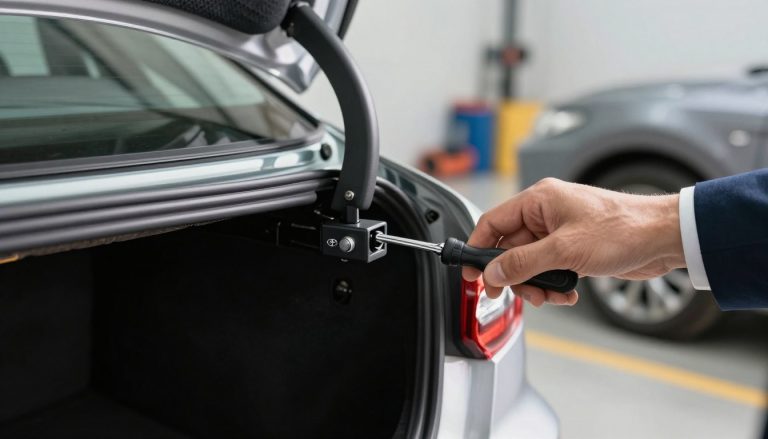
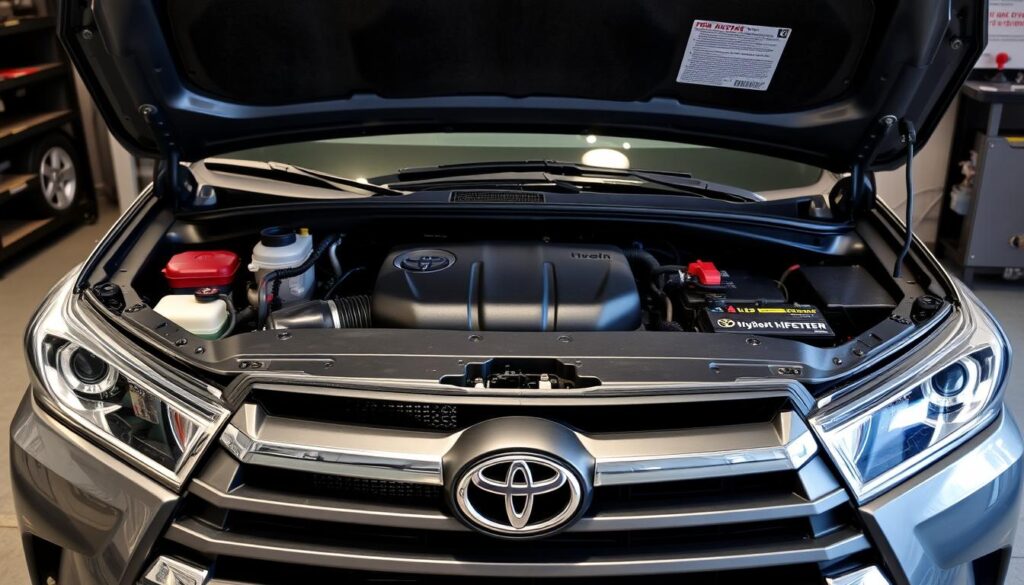
If any door, the hood, or the rear hatch isn’t completely closed, your Highlander will alert you with a distinct beeping pattern.
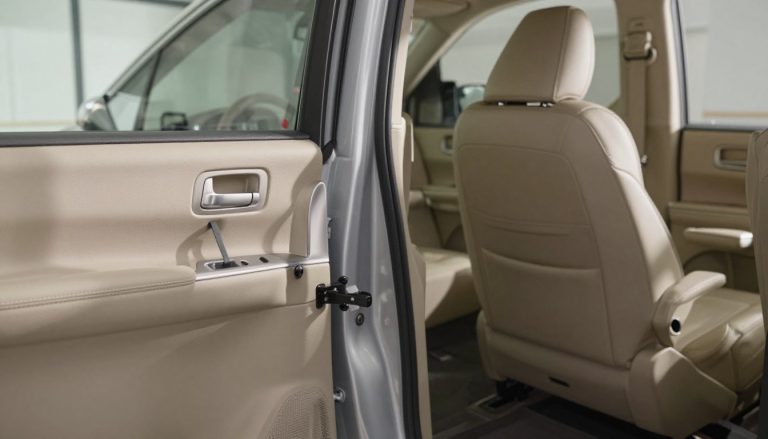
How to resolve: Check that all doors, the hood, and the rear hatch are fully closed. Sometimes, the latch mechanism can become stuck or misaligned. Try opening and firmly closing each door. If the beeping continues, inspect the door latches for any obstructions or damage.
Lane Departure Warning
Modern Highlanders feature Lane Departure Alert (LDA), which beeps when you drift out of your lane without signaling.
How to resolve: This is a normal safety feature, not a malfunction. To stop the beeping, maintain your lane position or use turn signals when changing lanes. If you find this feature too sensitive, you can adjust its settings or temporarily disable it through the vehicle settings menu on your dashboard display.
Forward Collision Warning
The Pre-Collision System (PCS) alerts you when it detects a potential collision with a vehicle or obstacle ahead.
How to resolve: Increase your following distance from the vehicle ahead. This is a critical safety feature that shouldn’t be ignored. If you receive frequent false alerts, have the system checked by a Toyota technician as the sensors may need recalibration.
Convenience System Alerts: Non-Critical Beeping Causes
Blind Spot Monitoring Alerts
The Blind Spot Monitor (BSM) system beeps when it detects vehicles in your blind spots, particularly when you activate your turn signal in that direction.
How to resolve: This is a normal safety feature. Check your mirrors and blind spots before changing lanes. The system can be adjusted or temporarily disabled through your vehicle settings if needed, though keeping it active is recommended for safety.
Low Fuel Warning
When your fuel level drops below approximately 2.5 gallons, your Highlander will sound a single beep and illuminate the low fuel warning light.
How to resolve: Refuel your vehicle as soon as possible. Consistently running on low fuel can damage your fuel pump, which relies on fuel for cooling and lubrication.
Key Fob Battery Low Warning
If your key fob’s battery is running low, your Highlander may beep to alert you when starting the vehicle.
How to resolve: Replace the key fob battery. Most Toyota Highlander key fobs use a CR2032 battery, which is readily available at most stores. Consult your owner’s manual for specific instructions on replacing the battery for your model year.
Can I temporarily silence the beeping while driving to my destination?
For most safety alerts, silencing is not recommended as they indicate important conditions. However, for non-critical alerts like low fuel or maintenance reminders, you can sometimes acknowledge and temporarily silence them by pressing the “INFO” or “DISP” button on your steering wheel. The warning light will remain on, but the beeping may stop.
Mechanical System Alerts: Maintenance-Related Beeping
Low Tire Pressure (TPMS)
The Tire Pressure Monitoring System (TPMS) alerts you when one or more tires have pressure significantly below the recommended level.
Driving with underinflated tires can lead to decreased fuel efficiency, premature tire wear, and in extreme cases, tire failure. Always address TPMS warnings promptly.
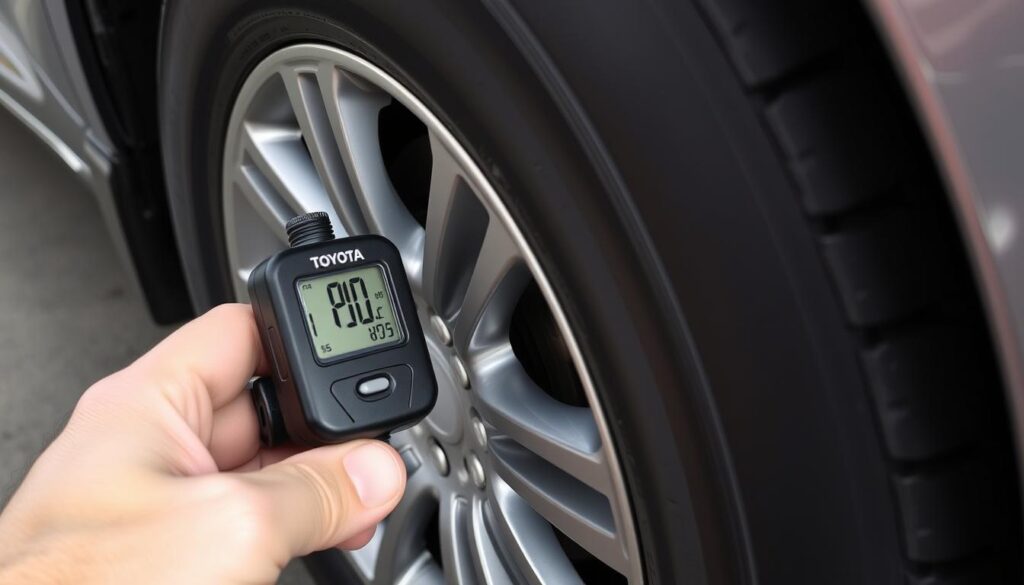
How to resolve: Check all tire pressures, including the spare, with a reliable gauge. Inflate to the pressure specified on the driver’s door jamb sticker (not the maximum pressure listed on the tire sidewall). If the warning persists after proper inflation, you may need to reset the TPMS system using the button located under the dashboard or through the vehicle settings menu.
Maintenance Reminder Alerts
Your Highlander will beep to remind you of scheduled maintenance when you start the vehicle.
How to resolve: Schedule the indicated maintenance service. You can temporarily reset the reminder through your dashboard display, but it’s important to actually complete the required maintenance to keep your vehicle in optimal condition.
Dash Camera Alerts
If your Highlander is equipped with the factory dashcam, it may beep on startup if there’s an issue with the SD card or camera initialization.
How to resolve: Check that the micro SD card is properly inserted in the dashcam (located behind the rearview mirror). If it’s seated correctly but still beeping, try recalibrating by holding the “action” button while starting the vehicle.
Electrical System Issues: Wiring and Sensor Problems
Faulty Door Latch Sensors
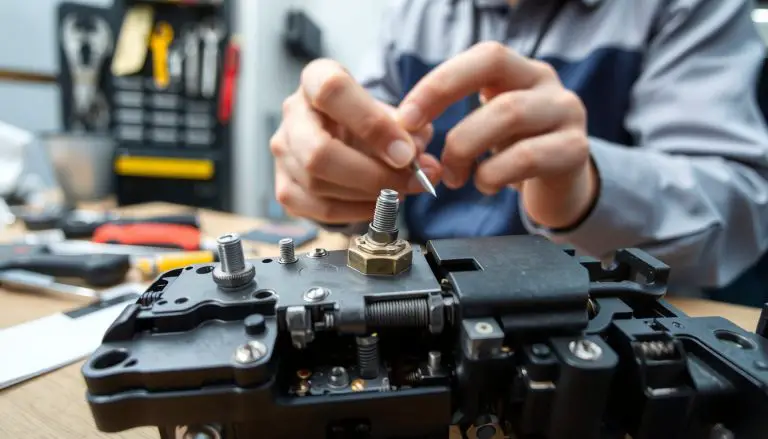
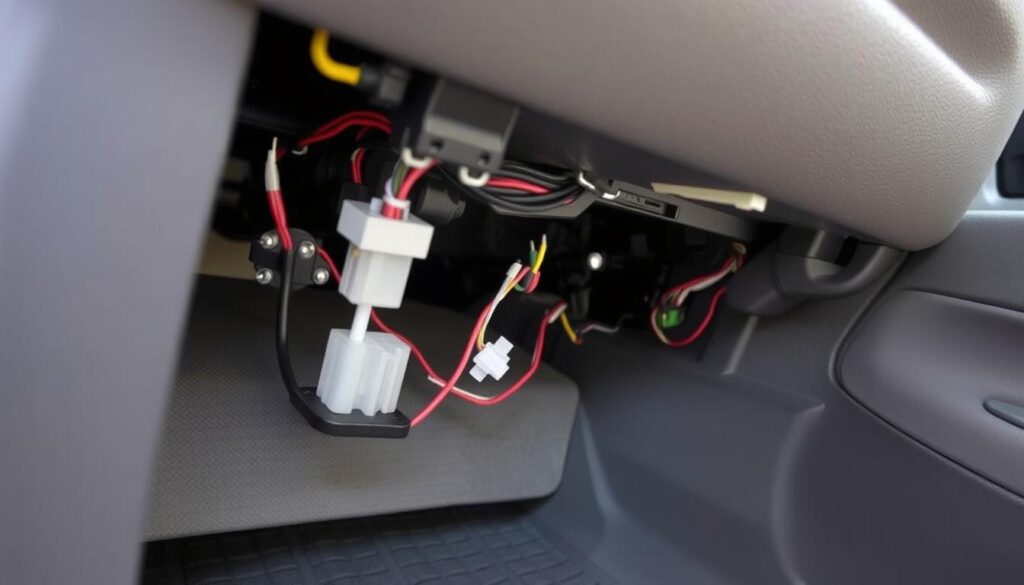
One of the most common causes of persistent beeping while driving is a faulty door latch sensor. Even when the door is physically closed, a malfunctioning sensor may report it as open.
How to resolve: Try lubricating the door latches with a silicone-based lubricant like WD-40. Open and close each door several times to work the lubricant into the mechanism. If the problem persists, the latch assembly may need replacement by a qualified technician.
Loose Electrical Connections
Loose wiring connections, particularly under the seats where the seatbelt sensors are located, can trigger false warnings and beeping.
How to resolve: Check under each seat for plastic wire connectors. Ensure they’re fully connected by pressing them firmly together. Also check behind the glovebox for loose connections. If you’re uncomfortable doing this yourself, have a technician inspect the wiring.
Faulty Switches
Headlight switches or ignition switches with loose connections or internal faults can cause unexplained beeping.
How to resolve: Test the headlight switch by cycling through all positions. For ignition switch issues, you’ll likely need professional diagnosis as this is more complex to troubleshoot.
Emergency Situations: When to Take Immediate Action
Some warning beeps indicate situations that require immediate attention. If you experience any of the following, safely pull over as soon as possible:
- Continuous beeping with multiple warning lights – This could indicate a serious system failure affecting vehicle safety.
- Beeping accompanied by steering or brake warning lights – These critical systems affect your ability to control the vehicle.
- Beeping with engine overheating warning – Continuing to drive can cause severe engine damage.
- Beeping with oil pressure warning – Low oil pressure can cause catastrophic engine failure within minutes.
- Airbag system warnings – This indicates the safety restraint system may not function properly in a crash.
If you experience any emergency warnings, safely pull over, turn off the engine (unless doing so would create a safety hazard), and call for roadside assistance. Do not continue driving until the issue has been properly diagnosed and addressed.
When to Seek Professional Help
While many beeping issues can be resolved through the troubleshooting steps above, some situations warrant professional attention:
Contact a Toyota Dealership If:
- The beeping persists after trying all relevant troubleshooting steps
- Multiple warning lights are illuminated on your dashboard
- The beeping is accompanied by noticeable performance issues
- Your vehicle is still under warranty (to preserve warranty coverage)
- You’re uncomfortable performing basic troubleshooting yourself
What to Expect at the Service Center:
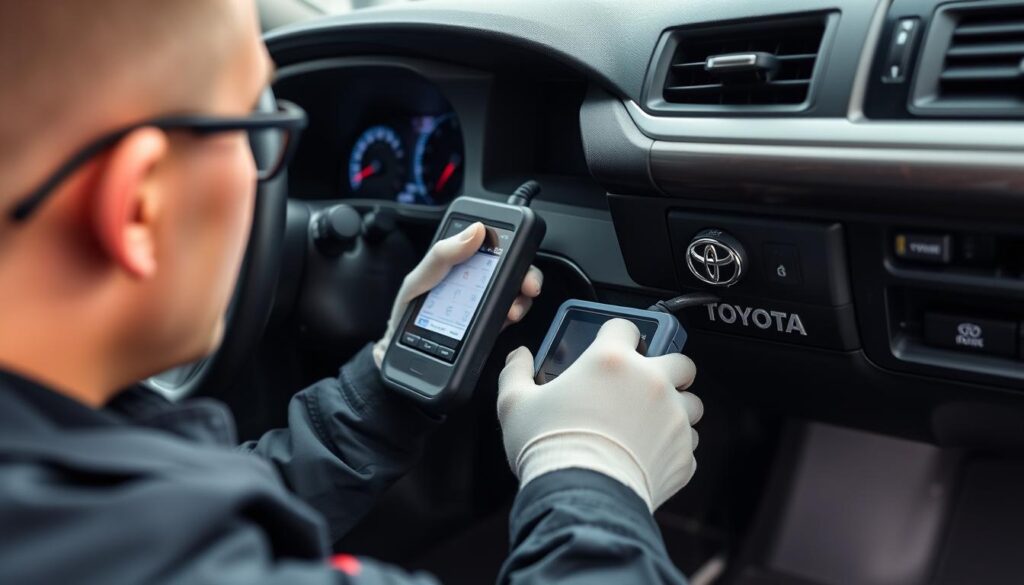
- Diagnostic scan to retrieve error codes from your vehicle’s computer
- Inspection of relevant systems based on the warning type
- Testing of sensors and electrical connections
- Potential firmware updates for your vehicle’s computer systems
- Recommendations for necessary repairs or adjustments
Most Toyota dealerships and qualified independent shops have specialized diagnostic equipment that can quickly identify the source of warning beeps by reading the error codes stored in your vehicle’s computer system.
Preventive Maintenance to Avoid Warning Beeps
Many warning beeps can be prevented through regular maintenance and attention to your vehicle’s needs:
- Follow the maintenance schedule in your owner’s manual to prevent system failures that trigger warnings.
- Check tire pressure monthly to avoid TPMS warnings. Remember that tire pressure changes with temperature fluctuations.
- Inspect all exterior lights regularly to catch bulb failures before they trigger warnings.
- Keep door latches clean and lubricated to prevent false “door ajar” warnings.
- Replace key fob batteries annually or when the vehicle first indicates they’re getting low.
- Clean battery terminals and ensure connections are tight to prevent electrical system issues.
- Address minor issues promptly before they develop into problems that trigger warning systems.
Frequently Asked Questions About Toyota Highlander Beeping
Why does my Highlander beep when I turn it off?
This typically happens if you open the door before turning off the engine. The correct sequence is: put the vehicle in Park, turn off the engine, then open the door. It may also beep if you’ve left the headlights on or if the key is still in the ignition (for non-push-button start models).
Can I disable the beeping sounds in my Highlander?
Most safety-related beeps cannot be disabled as they’re required by safety regulations. However, some convenience features can be adjusted through the vehicle settings menu on your dashboard display. For more extensive customization, Toyota dealerships can use their Techstream software to modify certain alert settings.
Why does my Highlander beep randomly while driving with no warning lights?
Random beeping without warning lights is often caused by loose items on seats triggering the occupant sensors, loose electrical connections, or intermittent sensor issues. Check for items on seats, ensure all connections under seats are secure, and have intermittent issues diagnosed professionally if they persist.
My Highlander doesn’t beep when I lock it anymore. What’s wrong?
The lock confirmation beep may have been turned off. To turn it back on: sit inside with the door open, insert the key in the ignition and remove it immediately, reinsert the key and turn to ON position, count to 10, press any button on the key fob twice. You should hear a beep confirming the setting has been changed.
Why does my Highlander beep three times when I approach another vehicle?
This is the Forward Collision Warning system alerting you that you’re approaching a vehicle or obstacle too quickly. Increase your following distance and reduce your speed. If you get frequent false alerts, the system may need recalibration by a Toyota technician.
Conclusion: Staying Safe and Informed
Your Toyota Highlander’s warning beeps are designed to keep you safe and informed about your vehicle’s status. By understanding what these alerts mean and how to address them, you can maintain your vehicle properly and avoid potentially dangerous situations or expensive repairs.
Remember that while many beeping issues can be resolved through simple troubleshooting, persistent or complex problems should be addressed by qualified Toyota technicians with the proper diagnostic equipment. Regular maintenance and prompt attention to warning signals will help ensure your Highlander provides reliable, safe transportation for years to come.