Modern vehicles, such as Porsche models, come equipped with advanced infotainment systems that can sometimes require a reset due to software glitches or other issues. Resetting the infotainment screen can resolve problems like freezing, unresponsive controls, or failure to connect to devices.
According to Porsche’s official documentation, resetting the infotainment system can be a straightforward process if done correctly. This article will walk you through the steps to reset your Porsche’s infotainment screen, ensuring that you can enjoy a seamless driving experience. For those familiar with other luxury vehicles, the process may share similarities with resetting infotainment systems in other brands, such as Toyota’s infotainment systems.
Key Takeaways
- Understand the importance of resetting your Porsche’s infotainment screen.
- Learn the steps to reset the infotainment system according to Porsche’s guidelines.
- Discover how to troubleshoot common issues with the infotainment screen.
- Find out how to maintain your Porsche’s infotainment system for optimal performance.
- Explore similarities with resetting infotainment systems in other luxury vehicles.
Understanding Your Porsche’s Infotainment System
The infotainment system in your Porsche is a sophisticated technology that requires a basic understanding to navigate its features effectively. Porsche’s infotainment systems have become increasingly advanced, offering a range of functionalities from navigation to entertainment.
Common Porsche Infotainment Platforms
Porsche uses several infotainment platforms across its models, including PCM, PCM Plus, and PCM 6.0. The PCM (Porsche Communication Management) system is one of the earlier platforms, known for its reliability and user-friendly interface. PCM Plus and PCM 6.0 are more advanced, offering enhanced features such as higher resolution displays and improved connectivity options.
Signs That Your Infotainment Screen Needs a Reset
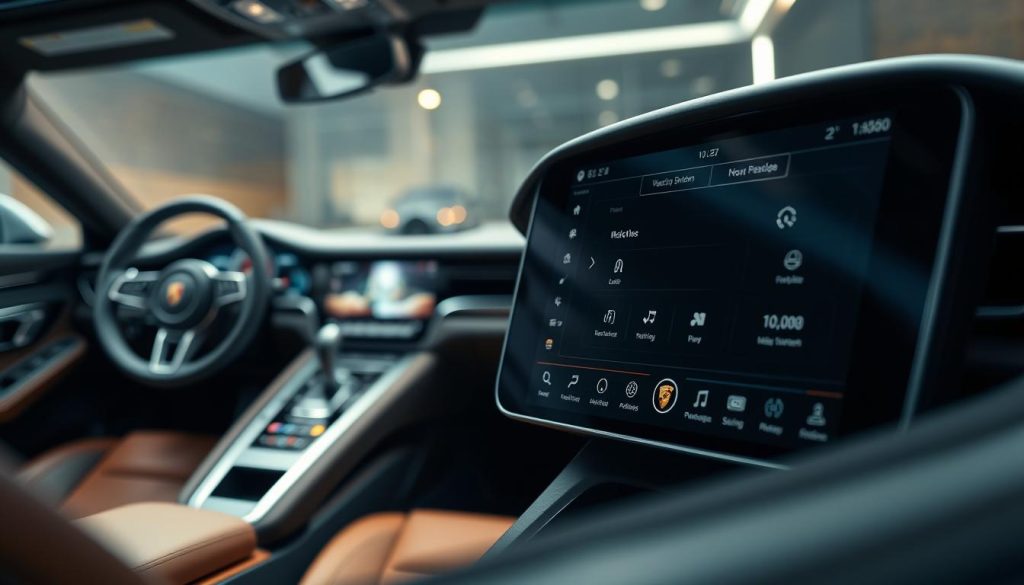
If your Porsche’s infotainment screen is frozen, unresponsive, or displaying incorrect information, it may need a reset. Other signs include failure to connect to Bluetooth devices or navigate through menus properly. Recognizing these signs early can help prevent more significant issues.
Backing Up Your Settings Before Resetting
Before resetting your Porsche’s infotainment system, it’s crucial to back up your settings. This includes saved navigation destinations, paired Bluetooth devices, and personalized preferences. Backing up these settings ensures that you can restore them easily after the reset, minimizing disruption to your driving experience.
| Infotainment Platform | Key Features | Common Issues |
|---|---|---|
| PCM | Basic navigation, Bluetooth connectivity | Occasional freezing, connectivity issues |
| PCM Plus | Enhanced navigation, higher resolution display | Display glitches, software updates required |
| PCM 6.0 | Advanced connectivity, improved user interface | Rare software glitches, occasional reset needed |
How to Reset Your Porsche’s Infotainment Screen?
If your Porsche’s infotainment system is malfunctioning, a reset might be just what you need to get it working smoothly again. Resetting your Porsche’s infotainment screen can resolve a variety of issues, from frozen screens to connectivity problems.
Soft Reset Method
A soft reset is a straightforward process that can often resolve minor glitches without erasing your personal settings. It’s a good first step when troubleshooting infotainment issues.
Step 1: Power Cycling the System
To start, try power cycling your infotainment system. Turn off your Porsche, then turn it back on. This simple action can sometimes resolve the issue by restarting the system.
Step 2: Using the Volume and Power Button Combination
For some Porsche models, pressing and holding the volume and power buttons simultaneously for a few seconds can initiate a soft reset. This method varies by model, so consult your user manual if necessary.
Step 3: Verifying the Reset Was Successful
After performing a soft reset, check your infotainment system to see if it’s functioning correctly. If issues persist, you may need to try a hard reset.
Hard Reset Method
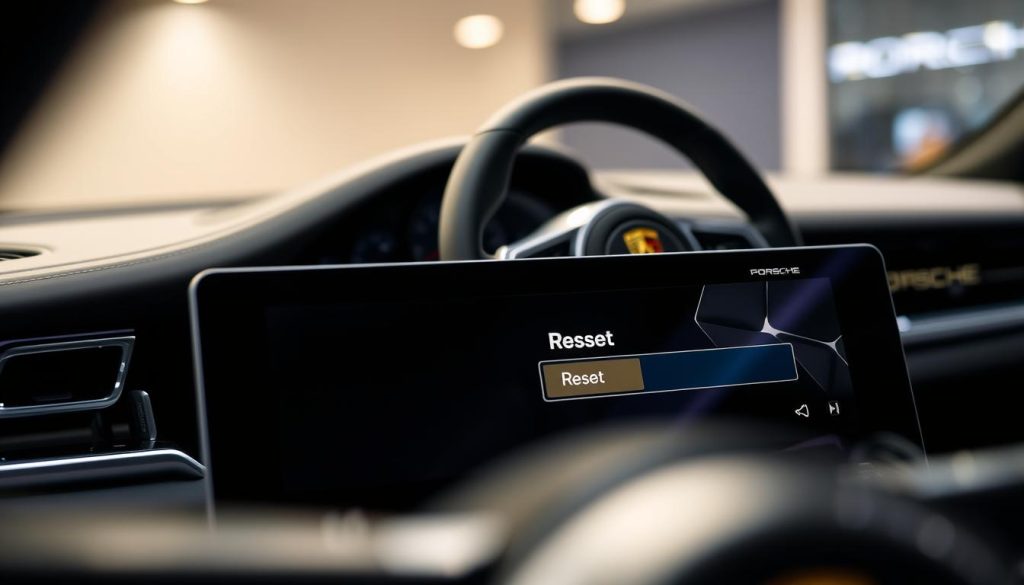
A hard reset restores your infotainment system to its factory settings, erasing all personal settings and data. It’s a more drastic measure that should be used when a soft reset doesn’t resolve the issue.
Step 1: Accessing the System Settings Menu
To perform a hard reset, start by accessing the system settings menu on your infotainment screen. This is usually done by navigating through the main menu.
Step 2: Navigating to Factory Reset Options
Once in the settings menu, look for the “System” or “Settings” section, where you’ll find the option for a factory reset. The exact steps can vary depending on your Porsche model and infotainment system version.
Step 3: Confirming and Executing the Reset
After selecting the factory reset option, you’ll be prompted to confirm your choice. Be aware that this will erase all your saved settings and data, so ensure you’ve backed up any important information beforehand.
Step 4: Reconfiguring Your Personal Settings
After the reset is complete, you’ll need to reconfigure your personal settings, such as Bluetooth connections, favorite radio stations, and navigation preferences.
Model-Specific Reset Instructions
Understanding the nuances of your Porsche’s infotainment system is crucial, as reset instructions vary across models like Cayenne, 911, and Taycan. Each model has its unique features and reset procedures, which are detailed below to help you troubleshoot effectively.
Resetting Infotainment in Porsche Cayenne Models
For Porsche Cayenne models, resetting the infotainment system involves a combination of button presses and menu navigation. Start by pressing and holding the voice command button and the upper left button on the center console simultaneously for about 10 seconds. This will reboot the system. If issues persist, navigate to the settings menu, select “System,” and then “Reset to Default.”
Resetting Infotainment in Porsche 911 and 718 Series
Porsche 911 and 718 series owners can reset their infotainment systems by first ensuring the ignition is on. Then, press and hold the “MODE” button while simultaneously pressing the “BACK” button for a few seconds until the system reboots. Alternatively, you can access the “Settings” menu, go to “System,” and select “Reset.”
Resetting Infotainment in Porsche Macan and Panamera
For Macan and Panamera models, the reset process is somewhat similar. Press and hold the “Volume” and “Tune” buttons together for about 10 seconds to initiate a soft reset. If a deeper reset is needed, access the “Settings” menu, navigate to “System Settings,” and choose “Factory Reset.”
Resetting Infotainment in Porsche Taycan Electric Models
Taycan owners can reset their infotainment system by accessing the “Settings” menu on the touchscreen display. Navigate to “System,” then “Reset,” and follow the on-screen instructions. Alternatively, a soft reset can be performed by restarting the vehicle or using the “Power Off” option from the settings menu.
| Porsche Model | Reset Method | Additional Steps |
|---|---|---|
| Cayenne | Press and hold voice command and upper left button | Navigate to Settings > System > Reset to Default |
| 911 & 718 Series | Press and hold “MODE” and “BACK” buttons | Access Settings > System > Reset |
| Macan & Panamera | Press and hold “Volume” and “Tune” buttons | Navigate to Settings > System Settings > Factory Reset |
| Taycan | Access Settings > System > Reset | Use “Power Off” from settings for a soft reset |
By following these model-specific instructions, Porsche owners can effectively reset their infotainment systems and resolve common issues. Always refer to your owner’s manual or Porsche’s official website for the most up-to-date instructions tailored to your vehicle’s model and year.
Troubleshooting Post-Reset Issues
Troubleshooting is often necessary after resetting your Porsche’s infotainment system to resolve connectivity and functionality issues. Although a reset can resolve many problems, it can sometimes introduce new challenges that need to be addressed to ensure your infotainment system operates smoothly.
Resolving Bluetooth and Smartphone Connection Problems
One common issue after resetting your Porsche’s infotainment system is difficulty connecting your smartphone via Bluetooth. To resolve this, start by ensuring that Bluetooth is enabled on your device and that it is in discoverable mode. Then, navigate to the Bluetooth settings on your infotainment system and remove any previously paired devices. Restart both your smartphone and the vehicle’s infotainment system, then attempt to pair the devices again. If issues persist, consult your vehicle’s manual for specific troubleshooting steps related to your Porsche model.
Fixing Navigation and Map Display Issues
If your navigation system is not functioning correctly after a reset, there are several steps you can take. First, check if your vehicle’s navigation software is up to date. Porsche frequently releases updates that can resolve known issues. Ensure your system is connected to a stable internet connection, either through Wi-Fi or your vehicle’s cellular connection, to download and install any available updates. If the problem continues, try recalibrating the system by driving your vehicle in an open area with a clear GPS signal.
Addressing Audio and Radio Functionality
Audio and radio functionality issues can also arise after a reset. Begin by checking the audio settings to ensure that the correct source is selected and that the volume is turned up. If you’re experiencing issues with specific radio stations, try rescanning for available stations. For problems with connected devices like USB drives or smartphones, verify that the connections are secure and that the devices are compatible with your Porsche’s infotainment system. Resetting the audio settings to their default configuration can also sometimes resolve these issues.
Conclusion
Resetting your Porsche’s infotainment screen can resolve a range of issues, from connectivity problems to navigation malfunctions. By understanding the different methods for resetting your Porsche infotainment system, you can ensure a seamless driving experience.
The steps outlined in this article, including the soft reset and hard reset methods, provide a comprehensive guide to resetting your Porsche infotainment screen. Whether you’re driving a Cayenne, 911, or Taycan, these instructions are designed to help you troubleshoot common issues.
A successful Porsche infotainment reset can restore your system’s functionality, ensuring that you can enjoy the full range of features and benefits that your Porsche has to offer. By following the guidelines provided, you can reset your Porsche infotainment screen with confidence.
FAQ
What is the difference between a soft reset and a hard reset for Porsche’s infotainment system?
A soft reset is a simple restart of the system, whereas a hard reset restores the system to its factory settings, erasing all personalized settings and data.
Will resetting my Porsche’s infotainment system delete my saved navigation destinations?
A hard reset will erase saved navigation destinations, so it’s essential to back up your settings before performing a hard reset.
How do I back up my settings before resetting my Porsche’s infotainment system?
You can back up your settings by noting down your favorite radio stations, saved navigation destinations, and other personalized settings before performing a reset.
Can I reset my Porsche’s infotainment system while driving?
No, it’s recommended to reset your Porsche’s infotainment system while the vehicle is stationary and in a safe location.
What should I do if my Porsche’s infotainment system is not responding after a reset?
If your Porsche’s infotainment system is not responding after a reset, try restarting the system again or consult your user manual for troubleshooting guides.
Are the reset instructions the same for all Porsche models, including Cayenne, 911, and Taycan?
While the general reset process is similar, there may be model-specific variations, so it’s essential to consult your user manual or the manufacturer’s instructions for specific guidance.
Will a reset resolve issues with my Porsche’s Bluetooth connectivity?
A reset may resolve some Bluetooth connectivity issues, but if the problem persists, you may need to troubleshoot further or consult a Porsche dealership or authorized service center.
How often should I reset my Porsche’s infotainment system?
There’s no specific schedule for resetting your Porsche’s infotainment system; however, if you experience persistent issues or glitches, a reset may be necessary.