Porsche owners often encounter Bluetooth connectivity issues that disrupt their driving experience. Common problems include pairing difficulties, poor audio streaming quality, and call drops. These issues can be frustrating, especially when they involve the Porsche PCM system.
This article aims to provide comprehensive troubleshooting steps to resolve these Bluetooth-related issues. By following the outlined fixes, Porsche owners can enjoy seamless connectivity and optimal performance from their vehicle’s infotainment system.
Key Takeaways
- Common Bluetooth issues in Porsche vehicles include pairing problems and poor audio quality.
- The Porsche PCM system is central to the in-car connectivity experience.
- Troubleshooting steps can resolve most Bluetooth connectivity issues.
- Regular system updates can prevent many Bluetooth problems.
- Understanding the PCM system is key to resolving connectivity issues.
Understanding Porsche Bluetooth Systems
Understanding the intricacies of Porsche’s Bluetooth systems is crucial for troubleshooting connectivity issues. Porsche’s Bluetooth technology is designed to provide a convenient and safe driving experience by allowing drivers to connect their mobile devices to the vehicle’s infotainment system.
Porsche Communication Management (PCM) Versions and Capabilities
The Porsche Communication Management (PCM) system is the central component of the vehicle’s infotainment and connectivity features. Different versions of PCM offer varying levels of Bluetooth functionality, including hands-free calling, audio streaming, and device pairing. For instance, newer PCM versions may support advanced features like Bluetooth Low Energy (BLE) and enhanced voice command capabilities. To learn more about troubleshooting Bluetooth issues in other luxury vehicles, you can visit this resource on BMW Bluetooth connectivity.
Bluetooth Technology in Different Porsche Models
Bluetooth technology is integrated into various Porsche models, with the level of functionality varying between models and model years. Newer models like the Porsche Taycan and 911 typically come equipped with advanced Bluetooth capabilities, including improved range and stability. Older models may have more limited Bluetooth functionality, but still offer essential features like hands-free calling and audio streaming.
Compatibility Requirements for Mobile Devices
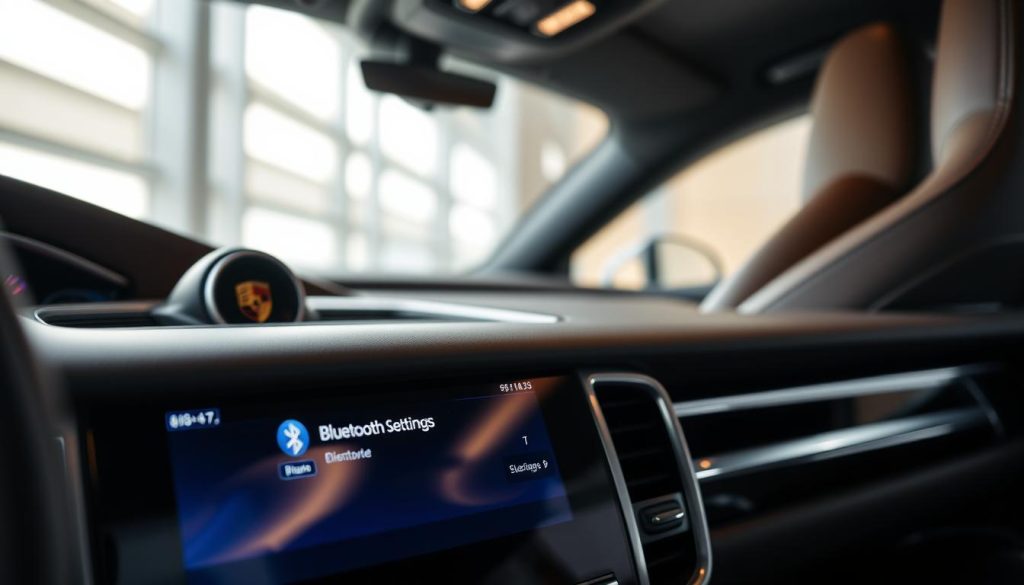
To ensure seamless connectivity, mobile devices must meet specific compatibility requirements. This includes having a compatible Bluetooth version and operating system. For example, Apple devices running iOS 11 or later and Android devices running Android 6.0 or later are generally compatible with Porsche’s Bluetooth systems. It’s also recommended to check the Porsche website for specific compatibility information related to your vehicle.
| Porsche Model | Bluetooth Version | Compatibility |
|---|---|---|
| Porsche 911 (992) | Bluetooth 5.0 | iOS, Android |
| Porsche Taycan | Bluetooth 5.0 | iOS, Android |
| Porsche Macan | Bluetooth 4.2 | iOS, Android |
Common Porsche Bluetooth Pairing Problems and Solutions
Bluetooth connectivity problems in Porsche vehicles can range from initial pairing failures to intermittent connection drops. These issues can be frustrating for drivers and may disrupt the overall driving experience. In this section, we’ll explore common Bluetooth pairing problems and provide step-by-step solutions to resolve them.
Initial Pairing Failures and Step-by-Step Solutions
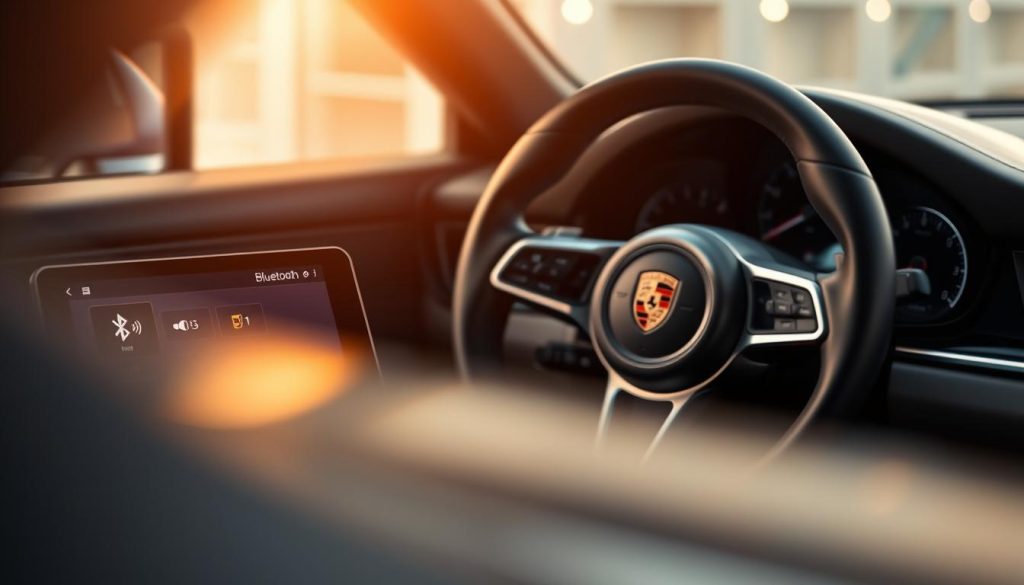
Initial pairing failures are a common issue when trying to connect a device to the Porsche Communication Management (PCM) system. To troubleshoot this, start by ensuring that Bluetooth is enabled on your device and that it is in discoverable mode. Then, follow these steps:
- Navigate to the Bluetooth menu on your PCM system and select “Add Device.”
- On your device, search for available Bluetooth devices and select your Porsche’s name.
- If prompted, enter the passcode displayed on your PCM system.
If the issue persists, try restarting both your device and the PCM system. This simple step can often resolve connectivity issues.
Device Not Recognized by Porsche PCM System
If your device is not recognized by the Porsche PCM system, there are several potential causes. First, check that your device is compatible with the PCM system. Some older devices may not be supported or may require specific settings to be adjusted. Additionally, ensure that the PCM system’s software is up to date, as outdated software can lead to compatibility issues.
To resolve this issue: Try removing previously paired devices from the PCM system and then attempt to pair your device again. This can help eliminate any conflicts with other devices.
Connection Drops and Intermittent Pairing Issues
Connection drops and intermittent pairing issues can be caused by a variety of factors, including interference from other electronic devices, software glitches, or issues with the Bluetooth signal strength. To address these problems, try the following:
- Move other electronic devices away from the PCM system to reduce interference.
- Restart the PCM system and your device to clear any temporary glitches.
- Check for software updates for both your device and the PCM system.
By taking these steps, you can often stabilize the Bluetooth connection and prevent drops.
Multiple Device Management Troubleshooting
Managing multiple devices with the Porsche PCM system can sometimes lead to pairing issues or conflicts between devices. To troubleshoot this, start by prioritizing the devices you use most frequently and ensure they are properly paired. You can manage multiple devices by:
- Paired devices in the PCM system’s Bluetooth menu.
- Setting a primary device for phone calls and another for music streaming.
- Regularly reviewing and updating the list of paired devices to remove any that are no longer used.
This helps maintain a stable connection and reduces the likelihood of pairing issues.
Troubleshooting Porsche Bluetooth Issues: Fixes for Pairing, Audio, Calls
Troubleshooting Bluetooth issues in your Porsche is crucial for enjoying uninterrupted entertainment and communication on the road. Bluetooth connectivity problems can manifest in various ways, including audio streaming issues, poor call quality, and voice command failures. Addressing these problems effectively requires a systematic approach.
Audio Streaming Problems and Solutions
Audio streaming problems are common when using Bluetooth in Porsche vehicles. These issues can range from distorted sound to complete loss of audio. To resolve this, try restarting your Porsche’s PCM system and re-pairing your device.
Key steps to fix audio streaming issues:
- Check for software updates for your Porsche’s PCM system.
- Ensure your mobile device is compatible with your Porsche’s Bluetooth version.
- Clear the device list on your Porsche’s PCM and re-pair your device.
Call Quality Issues and Voice Command Failures
Poor call quality and voice command failures can significantly impact your driving experience. To address these issues, start by checking your mobile device’s signal strength and ensuring it’s properly connected to the Porsche’s PCM system.
Tips for improving call quality:
- Adjust your Porsche’s microphone settings.
- Use the Porsche Connect app to check for software updates.
- Reset the PCM system if the problem persists.
Music Playback Interruptions and Controls Not Working
Music playback interruptions can be frustrating, especially when controls are not working as expected. This issue can often be resolved by checking the Bluetooth connection and ensuring that the correct audio source is selected.
Steps to resolve music playback issues:
- Verify that your device is properly paired and connected.
- Check for any physical obstructions between your device and the Porsche’s PCM system.
- Restart your device and the Porsche’s PCM system.
Contact Synchronization Problems
Contact synchronization issues can prevent your Porsche’s PCM system from accessing your phonebook. To resolve this, ensure that your device is set to allow contact sharing with the Porsche’s system.
| Issue | Solution |
|---|---|
| Contacts not syncing | Check device settings for contact sharing |
| Contacts partially syncing | Reset the PCM system and re-pair device |
Advanced Bluetooth Troubleshooting Techniques
When basic troubleshooting steps fail to resolve Porsche Bluetooth issues, it’s time to explore advanced techniques. These methods can help resolve persistent connectivity problems and ensure a seamless Bluetooth experience in your Porsche.
Resetting the PCM System and Clearing Paired Devices
One effective advanced troubleshooting technique is resetting the Porsche Communication Management (PCM) system. This process involves clearing all paired devices, which can resolve issues caused by corrupted device profiles or conflicts between multiple connected devices. To reset the PCM system, navigate to the settings menu, select “System,” and then “Reset.” Be aware that this will erase all saved Bluetooth devices, so be sure to have their pairing information handy.
Resetting the PCM system can be a powerful troubleshooting step, as it restores the system to its default state, potentially resolving complex connectivity issues.
Software and Firmware Updates for Your Porsche
Keeping your Porsche’s software and firmware up to date is crucial for maintaining optimal Bluetooth performance. Manufacturers often release updates that address known issues, improve compatibility, and enhance overall system stability. To check for updates, visit the official Porsche website, log in to your Porsche account, and navigate to the “Software Updates” section. Follow the on-screen instructions to download and install the latest updates for your vehicle’s PCM system.
Troubleshooting with Porsche Connect App
The Porsche Connect App can be a valuable tool for diagnosing and resolving Bluetooth issues. This app allows you to monitor your vehicle’s connectivity status, receive notifications about system updates, and even control certain vehicle functions remotely. By using the app in conjunction with your Porsche’s PCM system, you can gain insights into potential issues and take corrective action.
When to Seek Professional Assistance at a Porsche Service Center
If you’ve exhausted all troubleshooting steps and continue to experience Bluetooth issues, it may be time to seek professional assistance. Porsche Service Centers have the expertise and specialized equipment to diagnose and repair complex connectivity problems. They can also provide guidance on the latest software updates and ensure that your vehicle’s systems are functioning optimally.
By employing these advanced Bluetooth troubleshooting techniques, Porsche owners can often resolve persistent connectivity issues and enjoy a more seamless driving experience.
Conclusion
Troubleshooting Porsche Bluetooth issues requires a comprehensive understanding of the Porsche Communication Management (PCM) system and its compatibility with various mobile devices. Throughout this article, we have explored common pairing problems, audio and call quality issues, and advanced troubleshooting techniques to resolve these concerns.
A thorough troubleshooting summary reveals that many Bluetooth issues can be resolved by resetting the PCM system, updating software and firmware, or managing multiple device connections. Understanding the capabilities and limitations of your PCM system is crucial in addressing these problems effectively.
For persistent Porsche Bluetooth issues that cannot be resolved through basic troubleshooting, it is essential to seek professional assistance at a authorized Porsche service center. Their expertise will help diagnose and fix complex problems, ensuring your PCM system functions optimally.
FAQ
Why is my Porsche Bluetooth not pairing with my device?
Ensure your device’s Bluetooth is enabled and in discoverable mode. Restart both your device and the Porsche Communication Management (PCM) system. If issues persist, check for software updates for your PCM system and device.
How do I reset my Porsche PCM system to resolve Bluetooth connectivity issues?
To reset the PCM system, navigate to the settings menu, select “System,” and then “Reset.” Be aware that this will clear all paired devices, so be prepared to re-pair them afterward.
Why is my Porsche Bluetooth connection dropping frequently?
Interference from other devices, outdated software, or a faulty Bluetooth antenna could be causing the issue. Try moving other devices away, updating your PCM system, or consulting a Porsche Service Center for further assistance.
Can I connect multiple devices to my Porsche Bluetooth system?
Yes, but the number of devices you can connect may vary depending on your Porsche model and PCM system version. Typically, you can pair multiple devices, but only one can be actively connected for audio streaming or calls at a time.
How do I update the software and firmware for my Porsche PCM system?
You can update the software and firmware using the Porsche Connect App or by visiting a Porsche Service Center. Ensure your vehicle is connected to a stable internet connection during the update process.
Why is the audio quality poor during Bluetooth calls in my Porsche?
Poor audio quality can be due to a weak Bluetooth signal, interference, or issues with your device’s microphone. Try adjusting your device’s settings, moving to an area with less interference, or consulting a Porsche Service Center.
How do I troubleshoot music playback interruptions during Bluetooth streaming in my Porsche?
Check that your device is properly connected and that the music app is functioning correctly. Restarting the PCM system or your device may also resolve the issue. If problems persist, consider updating your PCM system or device’s software.
Can I use voice commands with my Porsche Bluetooth system?
Yes, Porsche’s Bluetooth system supports voice commands for making calls, sending messages, and controlling certain vehicle functions. Ensure your device is compatible and properly configured for voice commands.
Why are my contacts not synchronizing with my Porsche PCM system?
Contact synchronization issues can arise from compatibility problems or incorrect settings on your device. Check that your device is set to allow contact sharing with the PCM system and that your device’s contacts are properly formatted.